Gaston via WhatsApp: Manage Your Restaurant from Chat, with Voice and Photos
5 minutes
It's 12:55, the hake of the day arrives, and the salmon is gone. You don’t open your laptop: you send a voice note to Gaston on WhatsApp — "remove the salmon and add grilled hake for 14.90" — and your digital menu is already updated before the first customer arrives. That is the superpower of Gaston on WhatsApp: managing your restaurant from the chat you already use all day.
What you will learn in this section
- Connect your WhatsApp with Gaston (just once)
- Edit your menu via text and voice note
- Create dishes by sending a photo
- Schedule changes ("tomorrow at 9...")
- Consult your business from the chat
- Security: who can use it and how to unlink
Step 1: Connect your WhatsApp
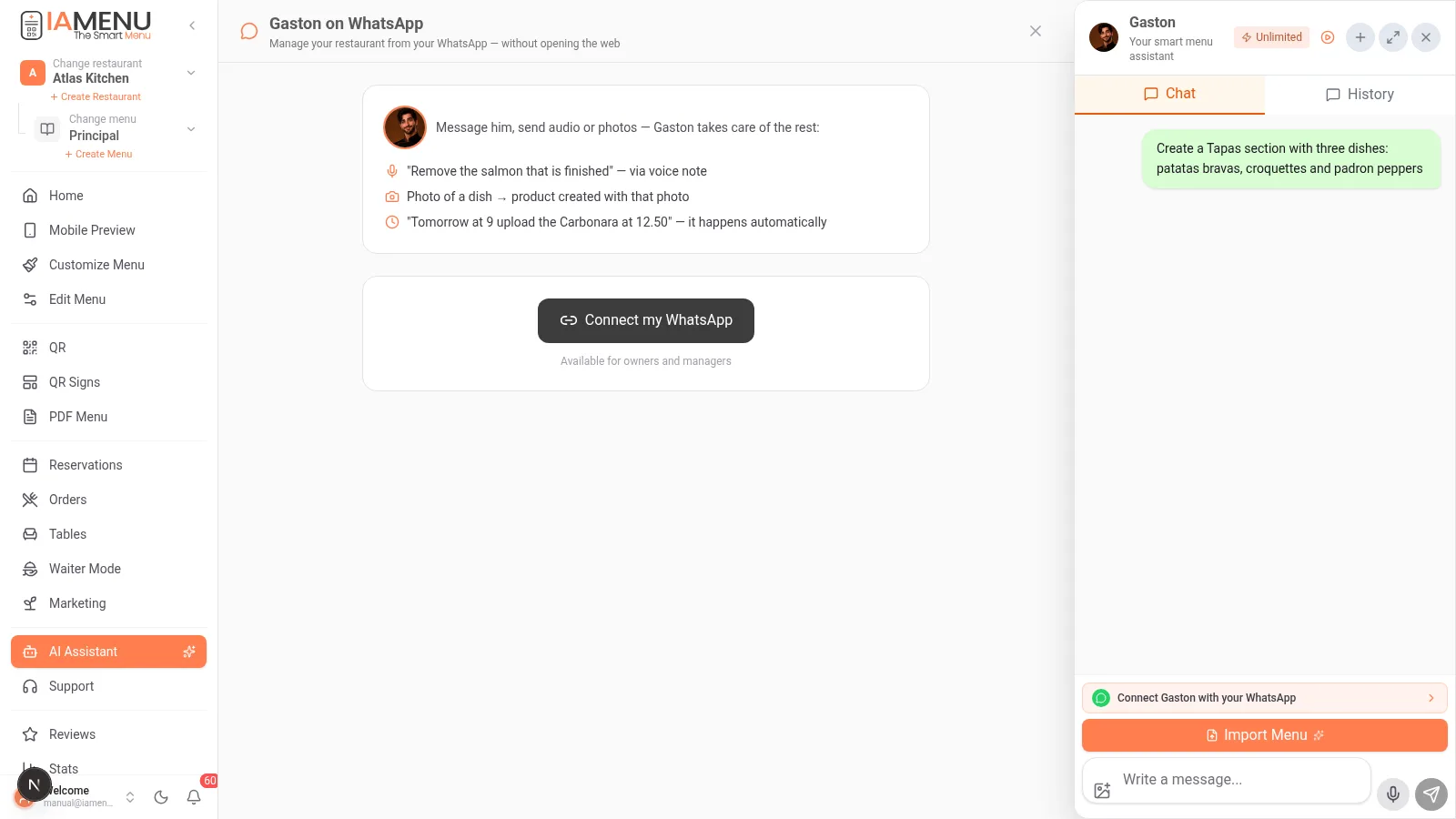
- Open the AI Assistant chat and click the green banner "Connect Gaston with your WhatsApp"
- Click "Connect my WhatsApp" → IAMenu gives you a 6-digit code
- Open WhatsApp on your mobile and send the message
LINK 123456(with your code) to Gaston's number - Gaston greets you on WhatsApp: your number is now linked to your restaurant
Available for owners and managers (roles owner and manager).
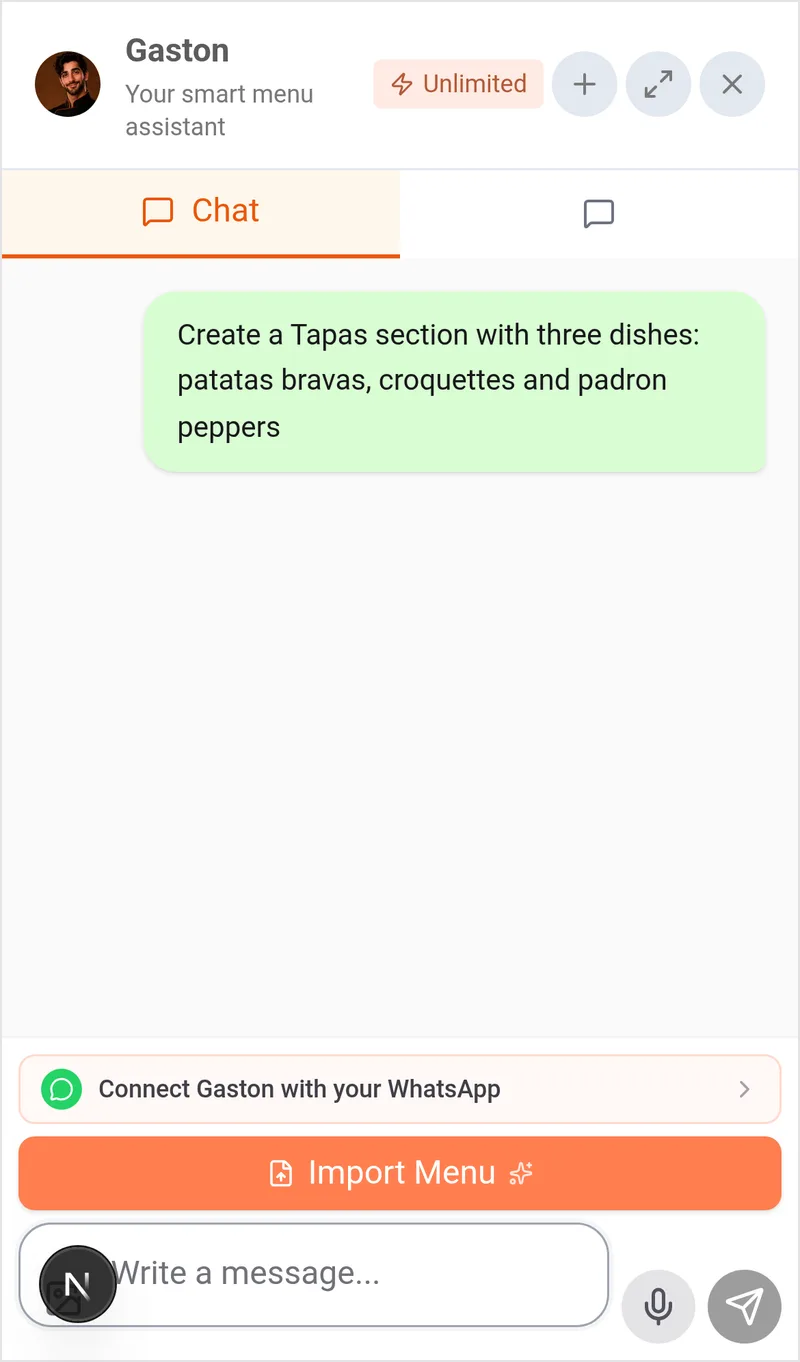
From the mobile dashboard: open Assistant in the bottom bar and tap the banner "Connect Gaston with your WhatsApp". Follow the same steps: copy the code and send LINK + code to Gaston's number.
Tip
Gaston on WhatsApp uses an OFFICIAL number from IAMenu (verified by Meta). You don’t install anything or pay for any number: you write to him like any other contact.
Step 2: Edit your menu via text or voice
Speak naturally. Real examples that work:
- "Raise the Margherita to 11.50" — price change instantly
- "Remove the salmon that is gone" — deactivate the product (reactivate it just as easily tomorrow)
- "Create the Homemade Desserts category with Flan at 4.50 and Grandma's Cake at 5.90" — complete structure in one message
- 🎤 Voice note: say the same thing while speaking; Gaston transcribes and executes
- "What do I have on the dessert menu?" — consult without opening the website
Each change is applied to your digital menu immediately, with automatic translations to all your languages and allergen detection included.
Step 3: Create dishes with a photo
The favorite flow of chefs:
- Take a photo of the freshly plated dish 📸
- Send it to Gaston on WhatsApp with the text: "create the dish Grilled Octopus at 18.90 with this photo"
- Gaston creates the product with that photo, detects allergens with AI, and translates it
It also works for updates: "put this photo on the Carbonara" or "this is the new cover for the restaurant".
Step 4: Schedule changes
Gaston understands time:
- "Tomorrow at 9 raise the Carbonara to 12.50" — it happens automatically at that time
- "On Friday activate the weekend menu"
- "What changes do I have scheduled?" — lists the pending ones, and you can cancel them
Perfect for seasonal changes, special happy hours, or price increases that take effect with the menu change.
Step 5: Consult your business
- "How am I doing today?" — summary of visits to your menu and orders
- "What reservations do I have tomorrow?" — the agenda for the next day
- "How many products don’t have a photo?" — quick audit of your menu
- "Send me the link to my menu" — to forward it to a customer
Security
| Protection | How it works |
|---|---|
| Only owners and managers | The role is verified in EACH message, not just when linking |
| Confirmations for deletions | Deleting categories or dishes requires confirmation in the dashboard — an ambiguous "yes" via chat never deletes anything |
| One-time code | The linking code expires and only works once |
| Unlink with one click | Write "unlink" to Gaston or do it from the panel |
Limits and plans
Messages via WhatsApp consume from the same monthly balance of Gaston in your plan: Starter 30, Professional 100, Premium 250 messages/month (batch operations count as 1). The WhatsApp channel itself has no extra cost.
Common problem solving
I sent LINK and got no response
Check that you sent the message to Gaston's official number (the one shown on the connection screen) and that the code hasn’t expired. Generate a new code and try again.
Gaston tells me I don’t have permissions
Your number is linked to a user with staff or chef role. Ask the owner to upgrade you to manager or to link their own number.
I want to use WhatsApp for my CUSTOMERS to order
That is another piece: the WhatsApp button for the restaurant on your public menu is configured in Customization → WhatsApp. This section is the private channel of the owner with Gaston.
Related tutorials
- Gaston, the AI assistant — everything Gaston can do (here or on the web)
- Marketing — ask for promotions and marketing images also via WhatsApp
- Menu management — what you do via chat you can also do visually
Your restaurant, a WhatsApp away
Create your account and review the current plans and terms.