Room service
Guest rooms
A QR menu by the telephone or on the table, showing the dishes and prices you’ve published.
Hotels and resorts · QR digital menu
Room service, breakfast, restaurant or pool: each area can have its own QR menu. Update dishes in IAMenu and guests can view them on their phones.
The number of menus and active languages varies by plan.
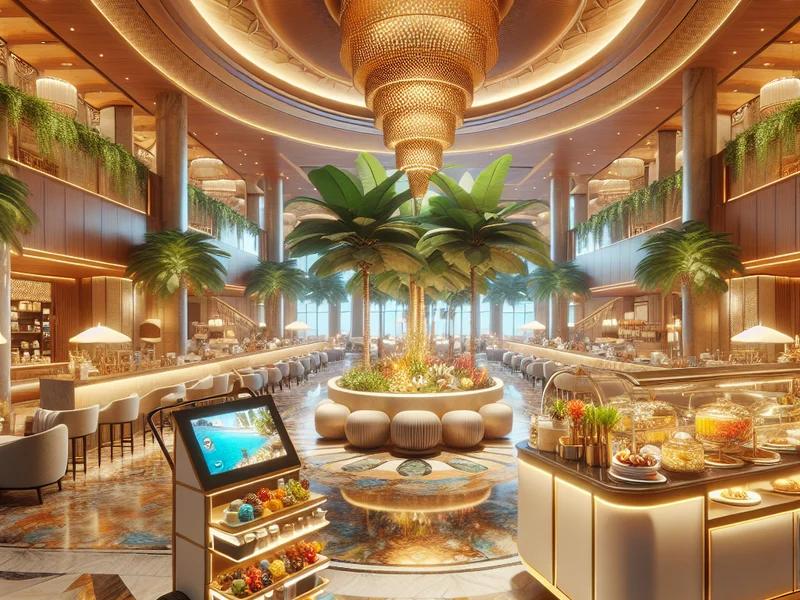
Three real-life scenarios
One QR code per menu, with no app to download. You can offer different menus for each service, within your plan limits.
Room service
A QR menu by the telephone or on the table, showing the dishes and prices you’ve published.
Buffet and café
Show the day’s selection and the allergen information your team has checked.
Drinks and snacks
Guests can browse the menu from their sun lounger and see what’s available.
For your team
Edit names, prices and availability in the dashboard. Prepare additional languages and check allergen information before guests see the menu.
How menu translation works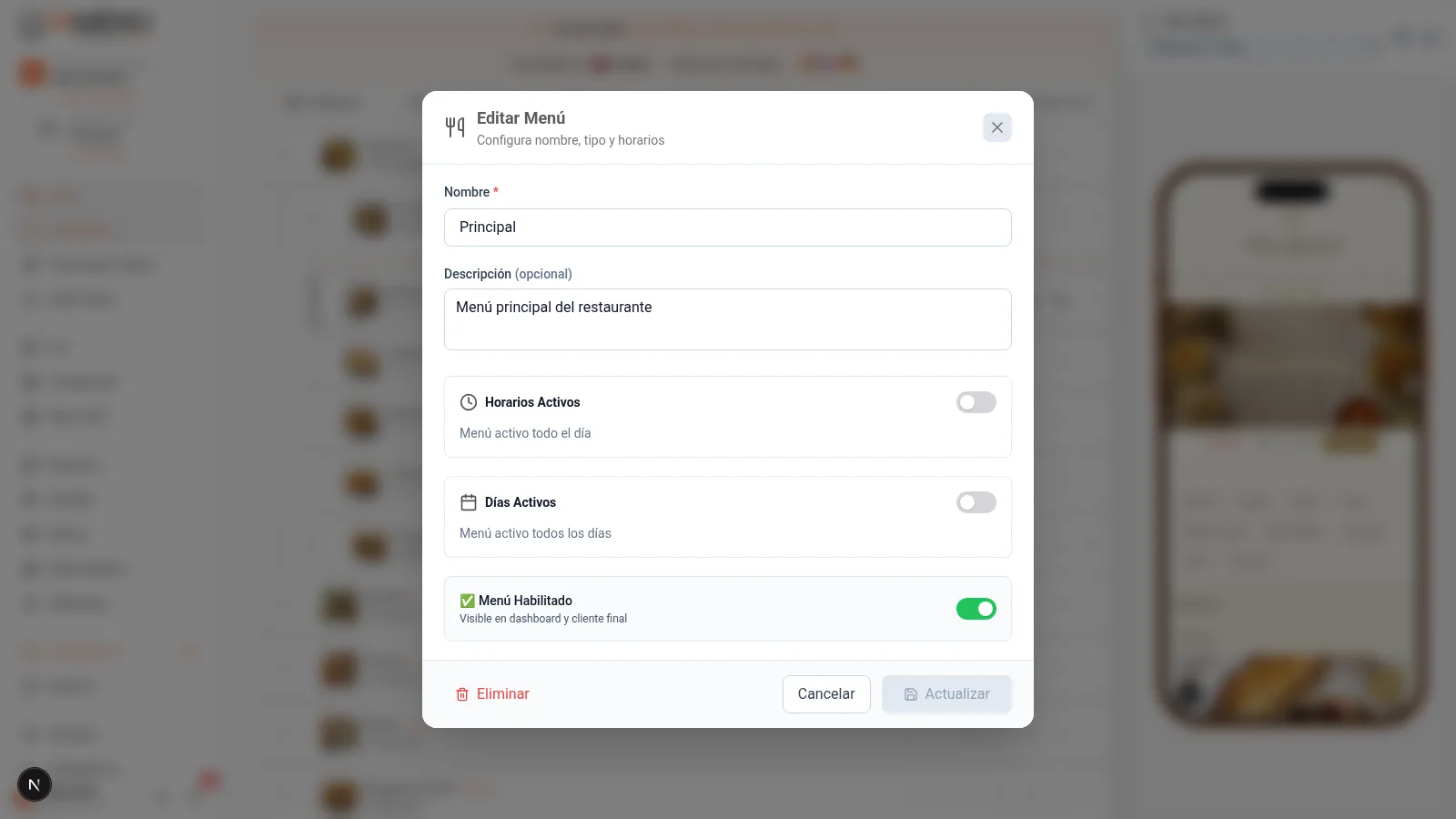
Create the menus included in your plan, check their contents and place each QR code where it belongs.
Organise
Room, buffet or bar.
Review
Dishes, languages and allergens.
Share
Print and display each QR code.
Specific features, explained without repeating everything the platform offers.
Yes. You can create menus for different areas, such as bedrooms, breakfast areas and the pool bar, and display their QR codes wherever you need them. The number of menus depends on your plan.
Yes. IAMenu offers a catalogue of 54 languages for your digital menu. The languages you can activate depend on your plan; check the translations before publishing them.
No. This solution provides digital menus for hotel areas. Where orders are enabled, they follow IAMenu’s usual process; this does not include room charges or automatic connection to a PMS.
Start with the menu for your first area.
Create my QR menu