How to Respond to Google Reviews: A Practical Guide for Restaurants
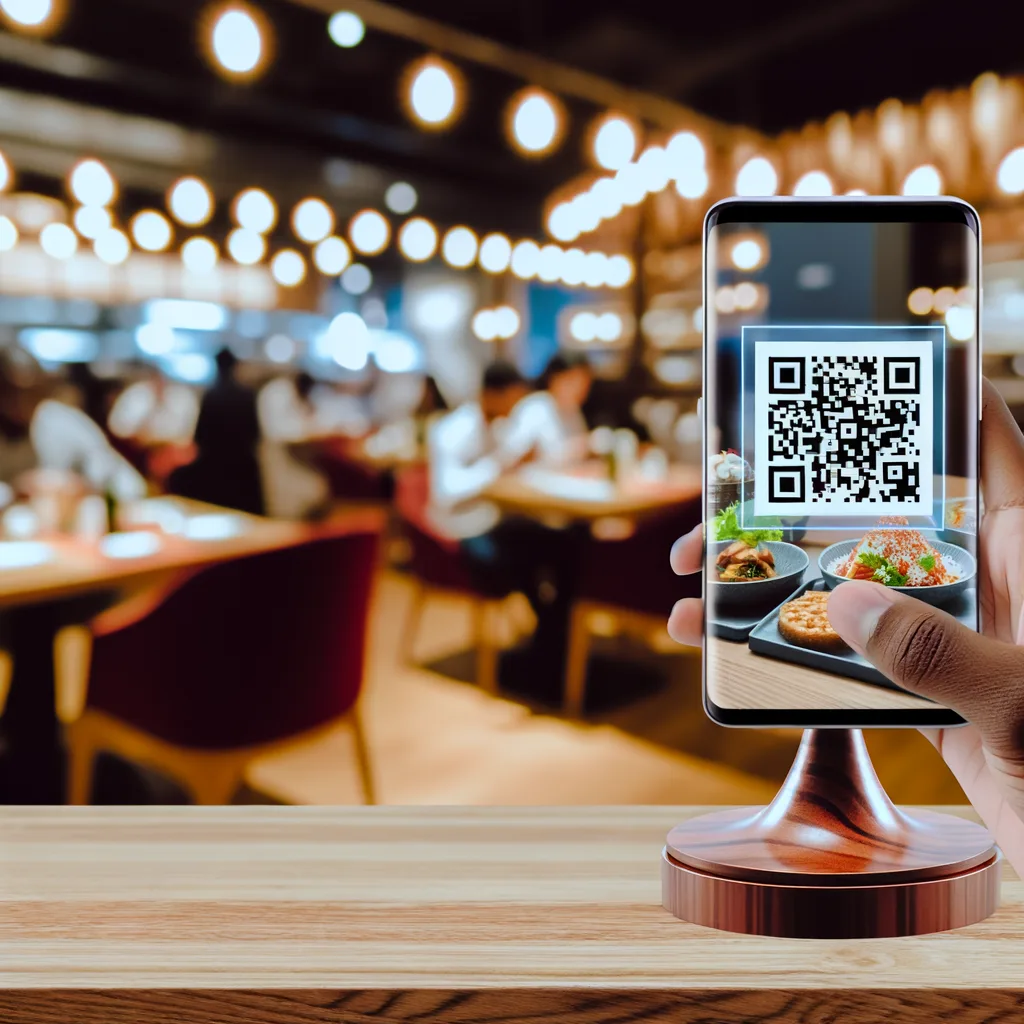
A review response is public customer service. The guest who wrote the review will read it, but so will future customers deciding whether the restaurant listens, stays calm and solves problems. The best reply is not the longest one: it is specific, accurate and written for the situation in front of you.
How to Respond to a Positive Google Review
Start with a direct thank-you and reflect one real detail from the review. If the guest mentioned a dish, a waiter or an occasion, acknowledge it naturally. That proves a person read the message and avoids the copy-and-paste feeling of a generic response.
A useful positive-review structure
- Thank the guest by name when appropriate.
- Mention one detail they shared.
- Credit the team without inventing facts.
- Close with a natural invitation to return.
Example: “Thank you, Maya. We’re glad the seafood rice and the terrace service made your anniversary dinner enjoyable. We’ll pass your kind words to the evening team, and we hope to welcome you again.”
How to Respond to a Negative Google Review
Do not start by proving the guest wrong. Begin by acknowledging the reported experience, then address the specific issue you can verify. If the complaint involves a bill, reservation, allergy concern or staff member, invite the guest to a private channel before discussing personal or operational details.
- Pause before replying. Check the shift, booking or order record when one exists.
- Acknowledge the experience. You can regret that the visit fell short without confirming a claim you have not verified.
- Answer the real issue. Avoid a generic paragraph that ignores the complaint.
- Offer a proportionate next step. Ask for date/time details privately or explain what the team will review.
- Keep the public reply calm. Do not publish customer data, staff accusations or a long argument.
Example: “We’re sorry the wait was longer than expected, Alex. We’re reviewing the service timing for that evening. Please contact us at [restaurant channel] with the booking time so we can identify the visit and follow up directly.”
What Not to Write
- Do not attack the reviewer or recruit friends to argue with them.
- Do not paste a sales promotion under a complaint.
- Do not admit facts, legal responsibility or compensation before checking the incident.
- Do not reveal a guest’s order, phone number, health information or booking details.
- Do not promise that Google will remove a review.
- Do not publish the same AI-generated response under every review.
When to Move the Conversation Offline
Move to a private channel when resolving the issue requires identifying a booking, checking a payment, discussing a staff incident or handling personal information. The public response should still show that the restaurant heard the concern and offered a real route to continue—not simply say “call us” with no context.
How to Handle Fake or Abusive Reviews
Preserve screenshots and any relevant records, then use Google’s current reporting process when the content appears to violate its policies. A business can report a review; it cannot guarantee removal. If you reply publicly, stay factual and avoid accusing a named person of fraud without evidence.
Using AI Without Sounding Generic
AI is useful for producing a first structure, changing tone or translating a draft. It should not decide what happened. Before publishing, a restaurant employee should confirm names and facts, add the specific detail from the review, remove invented promises and make sure the response matches the restaurant’s voice.
A five-question review check
- Does the reply address this review rather than any review?
- Are all operational claims verified?
- Is personal information kept private?
- Is the next step clear and proportionate?
- Would a future guest see a calm, responsible restaurant?
IAMenu can make the invitation step easier with a Google review QR code that keeps the public option available to every guest. Review context can also connect with the restaurant CRM and broader restaurant marketing workflow.