Self-ordering at the table with QR for restaurants: practical guide
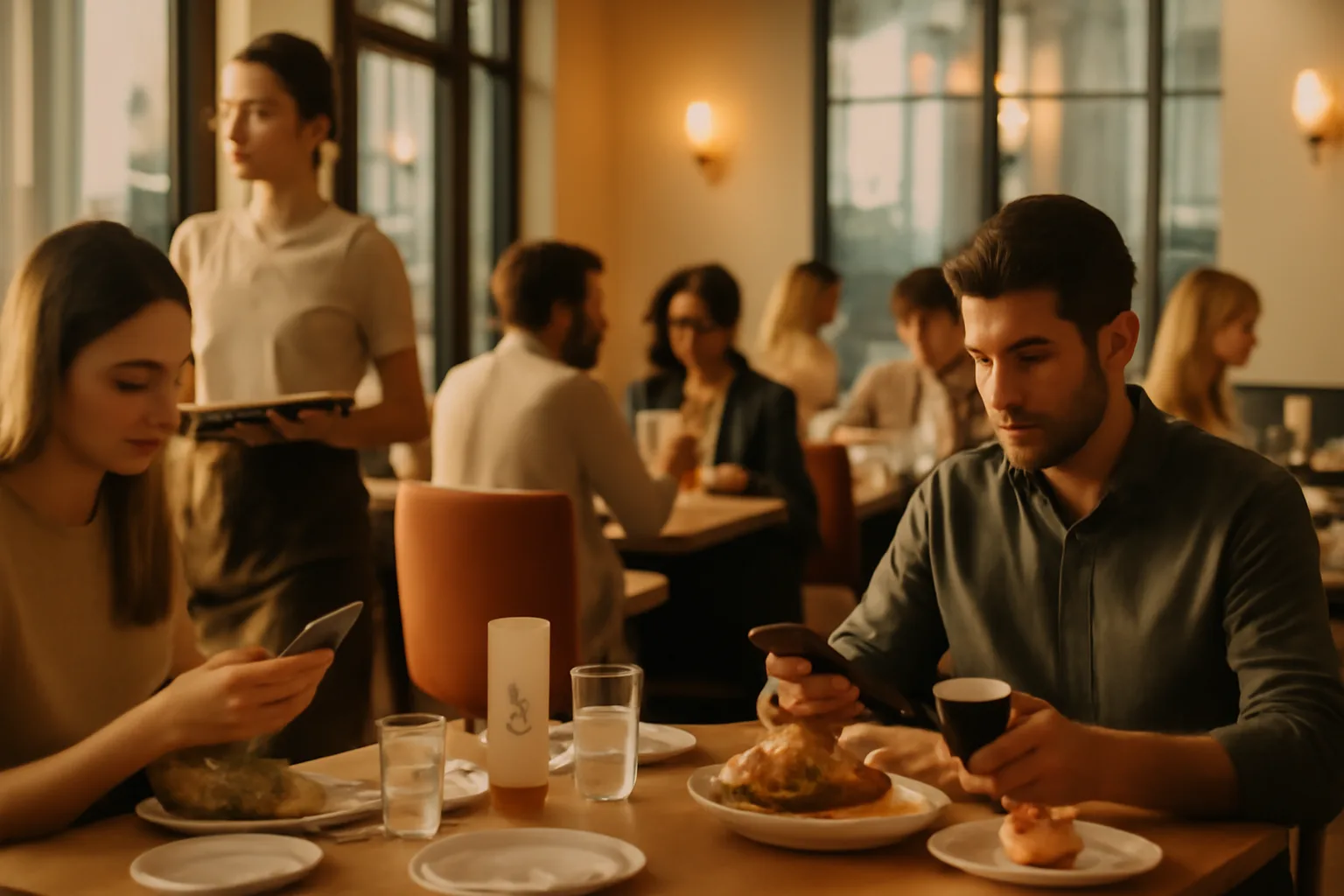
The problem is not putting a QR code on the table. The problem is thinking that viewing the menu and ordering from the table are the same. They are not. Many restaurants install a code that opens the digital menu and expect improvements in turnover, average ticket, or team workload, but those improvements usually come when the customer can place the order at that very moment, add extras, reorder drinks, and, if it fits the concept, pay without waiting. That’s where self-ordering at the table with QR for restaurants stops being a technological detail and becomes a real operational tool.
When well implemented, this model helps on three fronts at once: it reduces downtime, increases sales opportunities, and relieves staff during peak hours. Poorly planned, it only adds friction. In this guide, you will see how it works, how much it can move the average ticket, and how to distinguish a basic QR menu from a system that truly changes the service.
What is self-ordering at the table with QR and why is it not “just another digital menu”
Self-ordering at the table with QR for restaurants allows customers to scan the code, open the menu on their mobile, and complete the order without waiting for a waiter to take their order. In its simplest version, the system collects the order and sends it to the kitchen or bar. In the most complete version, it adds modifiers, notes, suggestions, re-orders, and payment at the table.
The key difference lies in the operational moment. A QR that only shows the menu informs. A QR with self-ordering activates the sale. That changes the customer experience and also the distribution of tasks among the front-of-house team.
Two very distinct levels of use
- View-menu-only: consultation of dishes, prices, photos, languages, and allergens.
- Order-from-the-table: selection of products, extras, sending the order, reordering, and, in some cases, payment.
The first improves access to information. The second directly impacts sales, timing, and workload.
If you want to see what functionalities make the difference between a basic digital menu and an operational one, you can check the functionalities of an advanced digital menu. There, it quickly becomes clear why it’s not enough to just publish a nice menu.
How the table order by QR works step by step
The ideal flow is shorter than many imagine. The customer arrives, sits down, scans the QR code at their table, views the menu, selects products, customizes if necessary, and confirms. The order goes to the kitchen, bar, or the operational circuit defined by the venue. After that, the customer can reorder another round or a dessert without having to “hunt” for a waiter.
In a high-volume service, every step that is eliminated has an impact. Let’s think about a terrace with 22 tables. If the team takes an average of 4 minutes to detect that a table wants to order, approach, resolve two questions, and take the order, the initial blockage is significant. With self-ordering, those minutes disappear at a good portion of the tables, and the team can focus on delivering dishes, managing incidents, or recommending products with higher margins.
Example of operational savings per shift
If a venue serves 80 tables in a shift and saves 2.5 minutes of order-taking per table, it frees up 200 minutes of operational work, which is more than 3 hours of repetitive attention.
This doesn’t mean “removing waiters,” but rather using the team’s time better where it truly adds value.
For it to work, the flow must be very clear: identified tables, simple categories, easy-to-configure products, visible messages, and confirmation without unnecessary steps. If the customer needs 9 screens to order a beer and a tapa, the system has already failed.
View-menu-only vs order-from-the-table: the difference that changes the operation
This is the comparison that is most important to clarify when making decisions. A traditional QR menu can save on printing, facilitate price changes, and show allergens. All of that adds up, but its effect on sales and service is limited if the customer still depends 100% on the waiter to convert intention into order.
When the customer can order from the table, three things happen: the time until the first order is shortened, additional orders increase, and friction decreases during peak times. It’s not just an aesthetic improvement; it’s a process improvement.
Quick comparison
- QR menu only: informs, reduces printing costs, and allows for instant updates of dishes.
- QR with ordering: speeds up the first order, enables upselling, reduces waits, and improves the capture of spontaneous demand.
- QR with ordering + payment: also reduces waits at closing and speeds up turnover in high-pressure services.
In practice, many venues start by digitizing the menu and then evolve to table ordering when they detect bottlenecks. If you also need clear information on ingredients and dietary restrictions, it’s advisable to integrate the allergens in the digital menu properly so that the customer can resolve questions before calling the staff.
How much can the average ticket increase with self-ordering at the table
The important question is not whether it increases, but why it increases. The increase in the average ticket usually does not come from selling much more expensive dishes, but from capturing decisions that were previously lost: extra cheese, toppings, a second drink, a shared starter, dessert, or coffee at the end.
In many concepts, a well-executed deployment moves the average ticket between 8% and 18%. In venues with visual menus, combos, and clear logic for extras, the figure can go even higher. In more traditional service restaurants, the improvement may be smaller, but it is still relevant if the process is smooth.
Realistic numerical example
Imagine an average ticket of €24. With a conservative improvement of 10%, it goes to €26.40. In 120 covers daily, that means €288 more per day. In 26 service days per month, we are talking about €7,488 in additional revenue.
Not all will be pure margin, of course, but the economic impact stops being anecdotal very quickly.
The decisive point is the design of the menu. If the system does not suggest drinks, extras, or side dishes, the opportunity fades away. That’s why it’s not just about “having a QR,” but about structuring the order so that the customer sees relevant options without feeling pressured.
The IAMenu AI assistant or platforms aimed at optimizing the menu and ordering experience help precisely in that layer: organizing the offer, highlighting profitable products, and reducing purchase friction.
How it frees up staff during peak hours without worsening service
The usual objection is this: “If the customer orders by themselves, it will seem like we are providing less service.” The reality depends on how it is implemented. When self-ordering replaces useful attention, it fails. When it eliminates repetitive tasks and allows more time for what’s important, it improves the experience.
During peak hours, the front-of-house team suffers mainly from the accumulation of microtasks: explaining the menu, going back because a drink is missing, taking note of a reorder, bringing the bill, managing invisible waiting lines between tables. The QR with ordering precisely reduces those interruptions.
- Fewer trips just to take the first round.
- Fewer repeated orders due to noise or haste.
- Less dead time for the customer waiting for “the moment” to order.
- More margin to recommend, resolve incidents, and take care of the dining area.
Where it is most noticeable
The impact is usually greater in terraces, hotels, casual dining, sports bars, food halls, and venues with very concentrated peaks between 1:30 PM and 3:30 PM or between 8:30 PM and 10:30 PM.
In those contexts, gaining even 1 or 2 minutes per interaction changes the perception of service and the actual capacity to serve more tables with quality.
If you are comparing formats, it is worth reviewing use cases by type of business on this use cases page. It does not perform the same in all concepts, and that should be acknowledged from the start.
Which restaurants get the best results with QR ordering
Not all businesses need the same degree of automation. Self-ordering tends to work better when at least two of these conditions are met: high volume, intense peaks, relatively clear menus, easy upselling, and customers accustomed to operating from their mobile.
The profiles that fit best are:
- Casual dining: a good opportunity for drinks, extras, and desserts.
- Terraces: greatly reduces friction for reordering.
- Hotels: helps with international customers and different languages.
- Food halls and high-traffic spaces: speeds up order-taking.
- Groups with multiple locations: facilitates standardization and menu changes.
In contrast, in fine dining or concepts where personal recommendation is part of the product, self-ordering should be used with much more sensitivity. It can work for drinks, digestifs, or room service, but it’s not always advisable to transfer the entire experience to mobile.
Clear signal of good fit
If your team frequently hears “Can you take our order?”, “We’re missing a beer,” “Whenever you can, bring us the bill,” or “We didn’t know we could add a side,” you probably have real room for QR table ordering to improve operations.
Requirements for proper implementation: menu, integration, and compliance
This is where many projects succeed or stall. Technology alone does not fix a poorly organized menu or a chaotic internal flow. To implement it well, three layers are needed: clear menu, connected process, and visible compliance.
First, the menu. Simple categories, understandable names, reasonable modifiers, and photos where they add value. Second, the operation. The more connected the order is to the kitchen, bar, or POS, the less manual work and fewer errors there will be. Third, the legal and operational information: allergens, dish availability, hours, or service conditions.
Minimum checklist before launching
- QR code at each table clearly visible and durable for daily use.
- Menu loaded and tested on a real mobile device, not just on a desktop.
- Out-of-stock products hidden or marked in real-time.
- Clear route of the order to the kitchen, bar, or POS.
- Allergen information and compliance correctly published.
If you need to review the integration and connection between systems, you can consult the connection options. And for the regulatory framework and best practices, it’s also useful to review the compliance section.
Common mistakes when implementing self-ordering at the table with QR
Problems usually do not come from the concept but from the execution. A poor deployment causes the customer to call the waiter back, losing efficiency and generating frustration.
- Confusing digitizing with simplifying: copying the printed menu exactly to mobile usually works poorly.
- Forcing use: if all customers are required to use it, it may generate unnecessary rejection.
- Not training the team: staff must be able to explain the system in 10 seconds.
- Forgetting coverage: if the QR takes too long or fails, the customer abandons.
- Not measuring results: without data on adoption, ticket, and timing, there is no real improvement.
It is also a mistake to think that the goal is to reduce staff. The real goal is usually to absorb more demand with less operational stress, maintain service levels, and sell better. When this is communicated to the team, internal adoption improves significantly.
Practical tip
If in the first week less than 25% of the tables use the system, it does not necessarily mean that the concept has failed. It often indicates that the QR is not being presented well, that the flow has friction, or that the team is not offering it naturally.
How to measure if the QR ordering is working
Without metrics, everything remains in perceptions. To know if self-ordering at the table with QR for restaurants is adding value, it is advisable to track five very specific indicators for at least 4 to 6 weeks.
- Adoption by table: percentage of tables using the system.
- Average ticket: comparison against the previous period or against tables without QR.
- Time until the first order: from when the customer sits down until the order is placed.
- Additional orders: second drinks, extras, desserts, or coffees.
- Team workload: number of repetitive interactions avoided per shift.
A reasonable benchmark: if adoption exceeds 35%-45% in eligible tables, the ticket increases, and the time until the first order decreases, the system is on the right track. If it also improves turnover during peak hours, you are looking at a serious operational change.
If you are comparing solutions, prices, or estimated returns, it may help to review plans and costs and contrast it with a broader guide on how to choose the best digital menu with AI.
How to start without complicating the dining area
The best implementation is usually not the most ambitious, but the most orderly. Start with a specific area of the venue or a service time where the problem is clear: weekend terrace, Friday dinners, hotel breakfasts, or beverage service during peak hours.
Present the system as a convenient option, not as an obligation. Train the team with a simple phrase: “If you want, you can order from the QR and it comes directly to you; if you prefer, we’ll serve you as usual.” That phrase avoids rejection and improves adoption.
From there, adjust the menu, observe where the customer stops, and correct. In many cases, small changes like highlighting combos, simplifying categories, or increasing the visibility of the repeat drink button have more impact than any complete redesign.
Frequently Asked Questions
These are the most common questions when a restaurant considers implementing self-ordering at the table with QR. If you are in the evaluation phase, here are direct and useful answers.
What exactly is self-ordering at the table with QR for restaurants?
It is a system that allows the customer to scan a QR code at the table, view the menu, and place an order from their mobile without waiting for a waiter to arrive. In the more complete models, it also allows for payment, reordering drinks, and sending the order directly to the kitchen or bar.
How does it differ from a QR that only shows the menu?
A read-only QR serves to consult dishes, prices, and allergens, but does not allow for sending orders. Self-ordering adds a cart, product selection, modifiers, order confirmation, and, in many cases, payment at the table.
How much can the average ticket increase with table ordering by QR?
In well-configured operations, the average ticket usually grows between 8% and 18% thanks to suggested sales, extras, and second orders for drinks or desserts. The actual result depends on the type of venue, the design of the menu, and the friction in the purchasing process.
Does it really help to free up staff during peak hours?
Yes, because it reduces repetitive tasks like explaining basic dishes, taking initial drink orders, or repeating simple orders. In high-demand periods, it can cut several minutes per table and allow the team to focus on service, upselling, and resolving incidents.
What type of restaurant benefits most from self-ordering with QR?
It works especially well in casual dining, terraces, high-volume restaurants, hotels, food halls, and concepts with medium-high turnover. It also adds significant value in venues with intense peaks, tight staffing, or menus with extras and combinations.
Is it necessary to integrate the system with the kitchen or POS?
It is not always mandatory to start, but it is advisable to avoid errors and manual work. When the order goes directly to the kitchen, bar, or POS, the operation gains speed, traceability, and less risk of duplications.
What risks are there when implementing ordering from the table?
The most common failures are a flow that is too long, poorly placed QR codes, unclear menus, or lack of Wi-Fi or data coverage. It can also generate rejection if human attention is completely eliminated in concepts where personal service is an essential part of the experience.
Can self-ordering be used without losing hospitality?
Yes, if it is presented as an option and not as an imposition. The key is to let the customer decide when to use it and for the team to remain present to recommend, resolve questions, and close the experience with human interaction.
How much does it cost to implement a self-ordering system at the table with QR?
The cost varies depending on functions, integrations, and the number of venues, but it is usually much lower than physical kiosks or dedicated hardware. In many cases, the return comes sooner from operational savings and increased ticket than from direct staff reduction.
If your venue already uses QR to display the menu, the next leap is not aesthetic: it’s operational. And if you are still comparing options, I recommend continuing with this guide to choose a digital menu that truly helps to sell and serve better.