Digital Menu for All-Inclusive Hotels: Buffet, Room Service
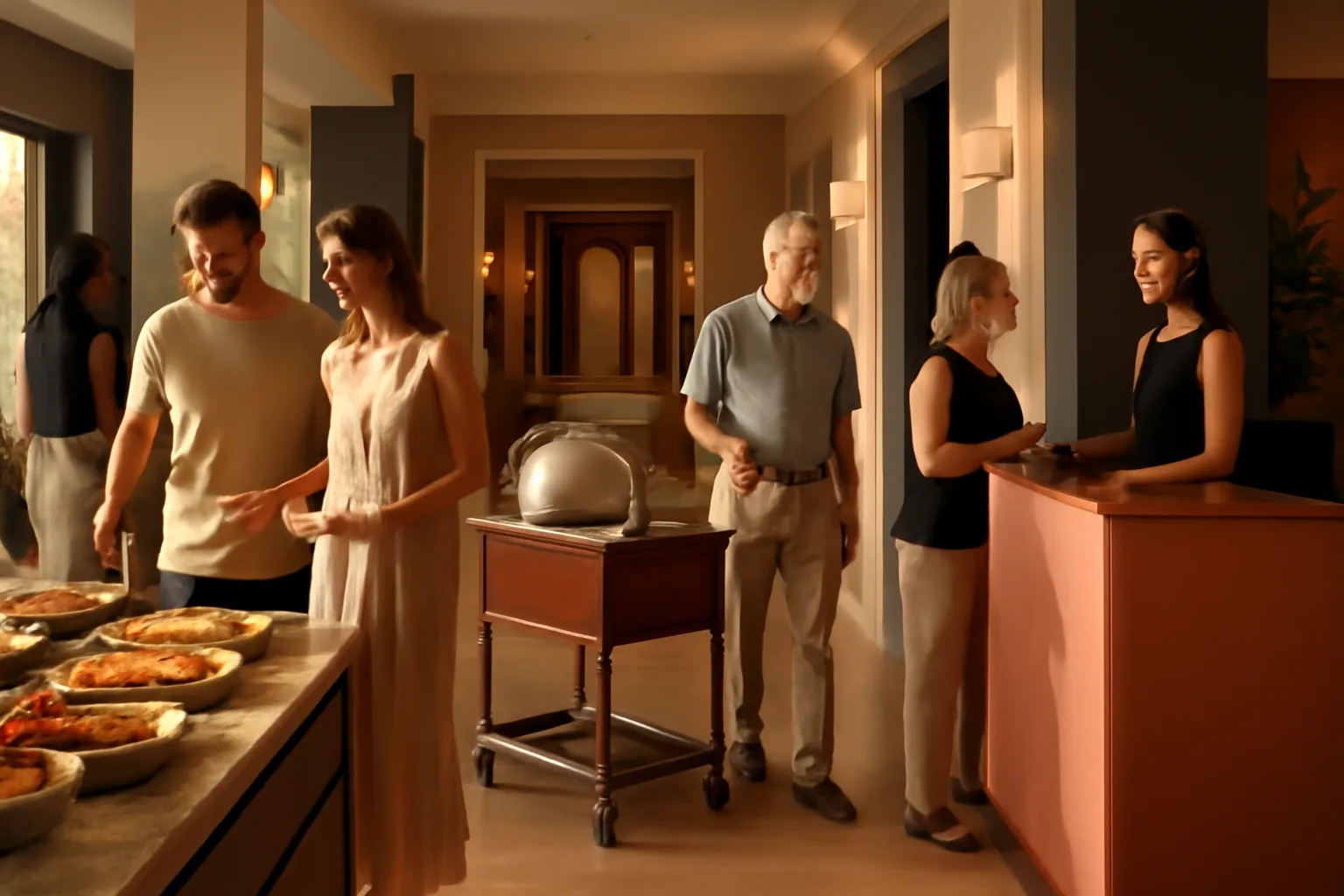
A digital menu for all-inclusive hotels is not just a pretty menu with a QR code. In a real all-inclusive, the operational problem is often different: reception answering twenty times a day where the Mexican restaurant is, what the snack bar includes, what time the buffet ends, whether room service has a cost, or what a gluten-free guest can eat. When that information lives in different papers, loose signs, outdated PDFs, and verbal explanations, the result is predictable: more lines, more doubts, more errors, and a worse experience for the international tourist.
The good news is that buffets, bars, room service, and themed restaurants can be managed from a single digital structure, multilingual and instantly updatable. When well implemented, such a system reduces dependence on physical menus, saves staff time, and organizes the information that has the most impact on the stay.
Why an all-inclusive hotel needs a single QR menu
In many vacation hotels, each consumption point operates with its own logic: main buffet by hours, lobby bar with a short menu, pool with snacks, several themed restaurants with reservations, and room service with another operation. The guest, however, does not think by departments. They just want to know what they can order, where, at what time, and in their language.
When each area has its separate menu, small but costly frictions arise: different QRs, documents that don’t load well, inconsistent translations, schedules that change without notice, and poorly communicated supplements. A single digital menu solves this with clear navigation through spaces, time slots, and service conditions.
Operational fact that often goes unnoticed
If reception handles 30 daily inquiries about restaurants, schedules, or all-inclusive conditions, and each one takes only 2 minutes, we’re talking about 1 hour a day dedicated to repetitive information. In a 180-day season, that’s 180 hours of workload that can be reduced with a clear digital structure.
Additionally, a centralized system helps standardize the experience. It doesn’t matter if the guest is in the room, on the sunbed, or in line at the buffet: they access the same information, with the same visual criteria and the same level of detail. If you want to see how these capabilities are structured in a platform designed for hospitality, you can check the features of a digital menu.
How to organize buffet, themed restaurants, and room service
The most common mistake is to replicate the offline chaos online. That is, uploading several separate menus without a common architecture. In an all-inclusive hotel, what works best is navigation based on the guest's needs:
- Right now: breakfast, lunch, dinner, snacks, drinks.
- Where to eat: main buffet, pool, lobby bar, themed restaurants.
- From the room: room service, schedules, supplements, and estimated times.
- What my plan includes: included options, premium, or at an additional cost.
- Dietary needs: vegetarian, gluten-free, lactose-free, children’s.
This structure prevents the guest from having to interpret the hotel's internal organization. Instead of thinking “where is the menu for the Asian restaurant?”, they find a simple route: themed dinners, schedule, reservation, menu, drinks, and important notes.
Practical example of a unique structure:
- Main buffet: schedules by segment, stations, included drinks, allergens.
- Pool bar: snacks, ice creams, cocktails, schedule, and closing.
- Lobby bar: drink menu, coffees, premium, and extras.
- Themed: Italian, Mexican, Asian, steakhouse, with reservation policy.
- Room service: breakfast in the room, night menu, and conditions.
With this logic, a single QR can be placed in the room, reception, elevators, tables, sunbeds, or common areas without duplicating content. And that simplifies both the operation and the guest's use.
Multiple languages without multiplying the team's workload
In an international resort, the menu does not just compete to look good: it competes to be understood quickly. If a British, German, or French guest does not understand whether a restaurant is included, if they need a reservation, or if a dish contains nuts, the experience suffers even if the product is good.
That’s why a digital menu for all-inclusive hotels should be thought of from the start in multiple languages, not as an afterthought. The minimum reasonable in many vacation destinations is usually Spanish, English, French, and German. If the hotel has a relevant mix of Dutch, Italian, or Portuguese, it’s worth adding them based on occupancy and predominant nationalities.
The key is not to translate word for word, but to maintain consistency: same brand names, same labels, same logic for supplements, same level of detail in conditions and allergens. A well-prepared platform allows centralizing texts and avoiding each department translating “as they can”.
What international guests value the most
It’s not just seeing the dish in their language. It’s understanding whether it’s included, when it’s served, if a reservation is needed, and what it contains. This combination reduces questions at reception, minimizes misunderstandings, and speeds up the consumption decision in bars and restaurants.
If you also want to compare more advanced options for automation and translation, you might be interested in this guide on how to choose the best digital menu with AI.
Less burden on reception and fewer physical menus to distribute
In many hotels, reception ends up absorbing informational tasks that should actually be resolved before the guest asks. Not just during check-in: also when returning from the beach, preparing for dinner, or when they want to order something to the room. Each isolated inquiry seems minor, but added together they have a real cost.
A well-deployed QR menu reduces three types of repetitive work:
- Delivery and replenishment of physical menus in rooms and common areas.
- Manual explanations about schedules, included restaurants, and supplements.
- Corrections for last-minute changes that paper does not reflect.
Simple time comparison:
- Physical option: print 300 room menus, distribute them, collect them, replenish losses, and reprint changes.
- Digital option: update the content once and maintain a single visible QR access per area or support.
Even with small changes —for example, modifying 8 schedules and 12 drink references in a week— the difference in operational load is enormous.
Moreover, in high seasons with intense guest turnover, relying on paper forces constant checks to see if the information is still valid. With a digital system, reception stops being the hotel’s “translation center” and focuses on incidents of real value.
Allergens and dietary needs in hotel buffets
The buffet is one of the most delicate points in an all-inclusive. The production volume changes, the preparations rotate, and guests with allergies or intolerances need reliable information, not improvised answers. Here, a digital menu provides an important advantage: consistently centralizing sheets and labels.
The recommended practice is for each dish or reference to have its allergens, observations, and possible variants associated with it. Thus, when a recipe changes, the update affects all points where it appears, not just a room sign or an internal sheet.
This is especially useful in hotels with multiple dining spaces, as it prevents the guest from receiving a different answer depending on whether they ask at the buffet, reception, or themed restaurant. If you want to delve deeper into this point, here’s more information on digital allergen management and about compliance in menus and labeling.
Common risk in buffets
When the team responds “I think it doesn’t contain gluten” or “ask the chef,” it not only creates insecurity: it also slows down the service. A system with visible and updated information improves the experience and reduces dependence on improvised inquiries during operation.
What information should the digital menu include, beyond the menu
In vacation hospitality, the menu alone is insufficient. The guest needs context to decide. That’s why the digital menu should also function as a point of operational information.
- Updated schedules for each restaurant, bar, and service.
- Conditions of the plan: what is included and what has a supplement.
- Reservation system or clear instructions for themed restaurants.
- Location of each space within the hotel.
- Useful rules: dress code, capacity, last access time.
- Family options: children’s menu, high chairs, recommended schedules.
- Dietary information and allergens.
The clearer this information is, the fewer internal calls, fewer unnecessary visits to reception, and less frustration from poorly adjusted expectations. In large hotels, this also improves the distribution of flows: if the guest knows that the snack bar closes at 6:00 PM and that the lobby bar serves until midnight, they decide better without asking.
Example of useful content in a themed restaurant sheet:
- Type of cuisine and highlighted dishes.
- Opening days and available shifts.
- If it requires a prior reservation or not.
- If it is included once per stay or without limit.
- Dress code, recommended age, and highlighted allergens.
Instant updates: schedule changes, shortages, and supplements
In an all-inclusive hotel, changes occur daily. A schedule shifts due to occupancy, a drink reference is replaced, an area is temporarily closed due to weather, or the operation of a themed restaurant is adjusted. If you depend on printed material, you’re always behind reality.
With a digital menu, those changes are reflected immediately. This has a direct impact on the experience: the guest does not go down to a closed restaurant “because the room menu said otherwise,” and the staff doesn’t have to put out fires generated by outdated information.
It also helps communicate supplements without friction. A common mistake in all-inclusives is not clearly differentiating between what is included and what is premium. When that line is not clear, complaints arise. If the QR menu visually identifies categories and conditions, the guest decides with correct expectations.
Small changes, big impact
Updating a physical menu can take 1 to 3 days between design, printing, and distribution. In digital, the same change is published in minutes. In high season, that difference prevents dozens of accumulated incidents.
How to implement it in rooms, pools, bars, and restaurants
Implementation should not start with design, but with the map of contact points. In an all-inclusive hotel, the goal is for the guest to find access where they really need it.
- Rooms: QR visible for room service, schedules, and overall hotel offerings.
- Reception: quick access to resolve doubts without printing brochures.
- Elevators and hallways: reminders of restaurants and schedules.
- Tables and buffet: expanded information on dishes, drinks, and allergens.
- Pool and beach club: snacks, drinks, and quick menu from the sunbed.
The key is that the QR does not require starting from scratch in each location. If the guest scans it in the room and then at the bar, they should reach the same ecosystem, with the section appropriate to the context. Platforms like connected solutions for service points allow precisely that: a common base with accesses adapted by location.
If the hotel also wants to include recommendations, star dishes, or commercial content, it can do so without breaking usability. The important thing is not to turn the menu into an endless brochure. It should first resolve the essentials and then sell.
Real cost versus printed menus and manual processes
When evaluating a digital menu, many managements only look at the tool fee. But the real cost should be compared to what is already being spent: design, printing, laminating, replenishments, loose translations, staff time, and operational errors due to outdated information.
In a hotel with 250 rooms, 4 bars, 1 buffet, and 3 themed restaurants, it’s not uncommon to handle 10 to 15 distinct informational pieces per season. If each relevant change requires reprinting part of the material, the expense is not minor. And that’s not counting the invisible time spent coordinating between F&B, reception, and marketing.
Indicative example of hidden cost per season:
- Reprints of menus and dossiers: €400 to €1,200.
- Replenishment in rooms and common areas: hours of team not visible in the budget.
- Errors from old versions: complaints, compensations, and management time.
That’s why, before comparing prices, it’s worth reviewing what operational savings it brings. You can get oriented with this page on pricing and plans and with cases of use in hospitality.
In practice, a centralized system is often paid for not only by savings in printing but also by the reduction of interruptions, communication errors, and dependence on manual processes. That’s where it’s most noticeable, especially in hotels with high occupancy and international clients.
How to measure if the digital menu is working
Implementing a QR is not enough. It’s necessary to measure whether it really improves the operation. The most useful indicators are not just visits or scans, but metrics linked to the team’s workload and the guest experience.
- Reduction of repetitive questions at reception and guest service.
- Fewer complaints about misunderstood supplements or conditions.
- Update time in response to schedule or menu changes.
- Allergen inquiries resolved from the menu itself.
- Usage by language to better adjust the international offering.
A realistic goal for the first weeks could be to reduce 20% to 40% of the informational inquiries that go through reception during peak hours. Not because all of them disappear, but because many become unnecessary. That’s where a well-designed system adds tangible value, not just image.
If the hotel works with a solution like IAMenu, it’s worth reviewing each month what is consulted most, which languages are used the most, and where doubts still arise. This data helps refine the content architecture and improve the experience without adding burden to the team.
Frequently asked questions
These are the most common questions when a hotel considers implementing a unique system for buffet, room service, bars, and themed restaurants with QR and multiple languages.
What is a digital menu for all-inclusive hotels?
It is a centralized QR menu that allows displaying buffet, room service, bars, and themed restaurants from a single system. It usually includes multiple languages, schedules, allergens, and real-time changes to avoid reprints and doubts at reception.
How many languages should an all-inclusive hotel offer in its digital menu?
At a minimum, the languages of its main source markets. In many vacation hotels, starting with Spanish, English, French, and German covers a large part of the demand and reduces repetitive inquiries from guests.
Can the same QR serve for buffet, bars, and room service?
Yes, if the menu structure is well organized by spaces, schedules, and types of service. This way, the guest finds breakfasts, snack bars, cocktails, or room service without scanning different codes at each point in the hotel.
Does a digital menu help reduce workload at reception?
Yes, because many frequently asked questions stop going through the counter: schedules, what the package includes, where to dine, or what options are available for children and allergens. This saves minutes per check-in and reduces operational interruptions.
How are allergens managed in a hotel with buffet and themed restaurants?
It is advisable to centralize dish sheets and allergen labeling on the same platform, updating each recipe change. This way, the guest consults the information from their mobile, and the team avoids improvised answers.
How much does it cost to implement a QR menu in an all-inclusive hotel?
It depends on the number of menus, languages, and service points, but it usually costs much less than printing and reprinting physical menus during the season. Additionally, it reduces errors, update times, and paper consumption.
Can a digital menu be updated instantly during service?
Yes, that is one of its key advantages. If a buffet dish changes, a drink runs out, or a schedule is modified, the information is published immediately without relying on new prints.
What information should a hotel digital menu include besides the dishes?
In addition to food and drinks, it is advisable to include schedules, restaurant maps, all-inclusive conditions, supplements, allergens, and useful observations for families or international guests. The clearer the information, the fewer repeated questions the staff receives.
Does a digital menu improve the experience for international tourists?
Yes, because it reduces friction at a sensitive moment: choosing what to eat or where to go without mastering the local language. If the guest understands the offering well, they decide faster, ask less, and perceive a more organized service.
If your hotel wants to unify buffet, room service, and themed restaurants in multiple languages without relying on printed menus, it’s worth reviewing how a centralized solution works from this page on features for digital menus.