Close Your Restaurant for a Holiday Without Losing Reservations (2026)
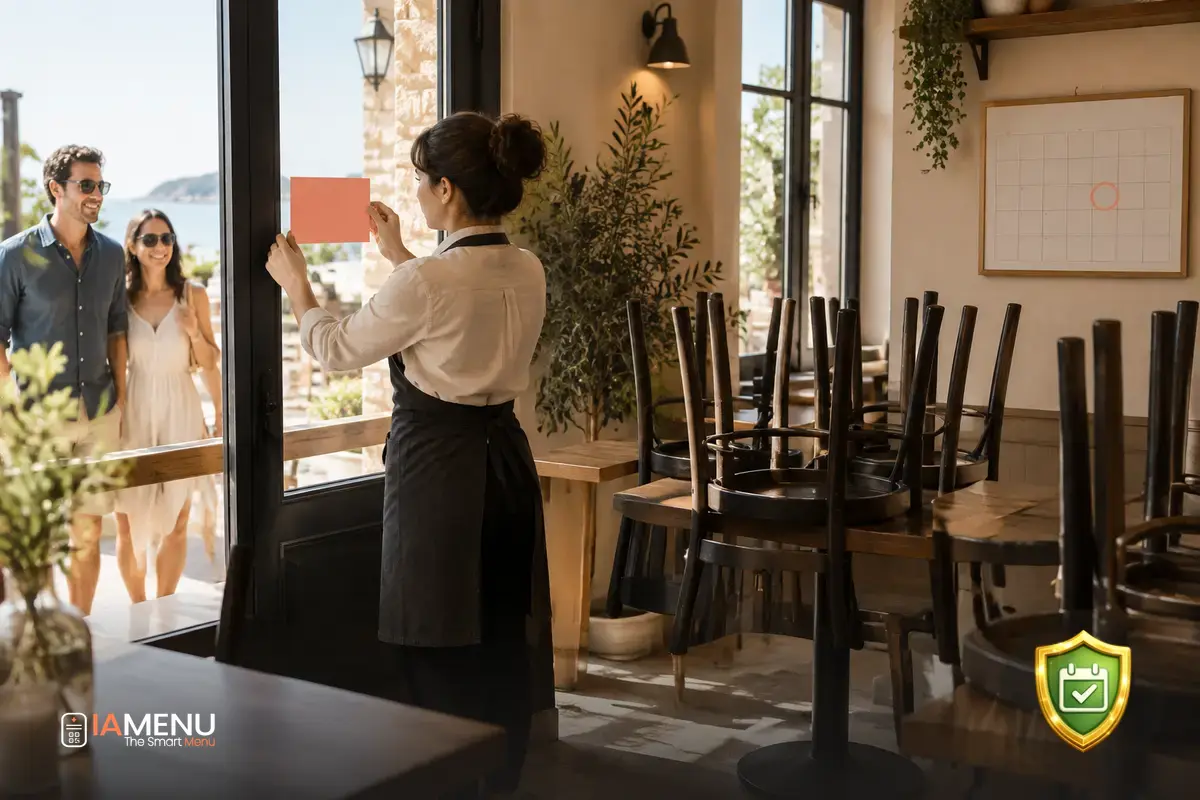
Closing a restaurant for a public holiday, vacation, or private event may seem like a simple decision—until a reservation comes in for that day, an order appears on a delivery platform, or someone shows up at the door because the menu still says “open.” A social media announcement alone won’t prevent this: you need to coordinate reservations, orders, opening hours, and messages. If you’re reviewing how to manage your restaurant’s reservations, visit the restaurant reservations page for information about this part of your operations. Here’s a plan for closing on a specific date without changing your hours for the rest of the week.
What can go wrong when you close your restaurant for a public holiday
Closing for a single day has more potential failure points than making a permanent change to your opening hours. Your restaurant’s information is spread across the reservation system, opening hours listing, delivery apps, digital menu, social media, and sometimes a sign on the door. If you update just one of these, the others may still invite customers to book, order, or make a trip to your restaurant.
The most common mistake is changing the weekly schedule to block a single day. For example, if the restaurant is closing on a public holiday Monday, changing Monday to “closed” as a recurring setting could prevent reservations every Monday afterward. The opposite problem can happen too: you post an announcement, but availability for that date remains open and reservations keep coming in.
A simple example
Imagine your restaurant usually opens on Mondays but decides to close only on the Monday public holiday. Three reservations come in for that day over the weekend. If the calendar is still accepting them, the team will have to track down three groups, explain the change, and find another date for them. And if the menu still says you’re open, customers may show up without a reservation.
The solution isn’t to change every Monday. Treat that date as an exception and check every channel where customers can take action.
Think of closing as an operational task with a start and an end: prepare for the date, communicate the closure, check that no new transactions are coming in, and schedule the reopening. That way, you won’t have to rely on someone remembering to remove an announcement days later.
Decide which date and services are affected
Before changing any hours, define the scope of the closure. “We’re closed for the public holiday” could mean no service all day, canceling only the lunch service, or reserving the dining room for a private event while the kitchen operates differently. Make sure the team and your customers understand exactly what it means.
Write down the full date, day of the week, and affected time slot. If the closure starts after the previous evening’s service, also decide what time you’ll stop accepting orders or reservations. For a private event, decide whether the restaurant will be completely closed to the public or whether any services will still be available.
- Exact closing date and start time.
- Affected services: dining room, patio, pickup, delivery, or all of them.
- Existing confirmed reservations and scheduled orders.
- Date and time when normal operations will resume.
- Person responsible for checking each channel and confirming the change.
Distinguish between a full closure and limited service
If the restaurant is closed to the public, say so clearly. If only one service is changing or delivery is suspended, be specific: “Closed all day on Thursday the 12th” leaves less room for interpretation than “No dinner service on Thursday the 12th.”
A precise message reduces questions and helps you avoid canceling services you could still provide.
If you’re closing for a private event, there’s no need to share personal details or explain more than necessary. Simply say that the restaurant won’t be open to the public on that date and let customers know when you’ll reopen. The priority is to make it clear what they can do and when.
Block a specific date without changing your weekly schedule
In your reservation system, look for a feature called “exception,” “one-time closure,” “date-specific availability,” or something similar. The goal is to add a rule for that specific day, not replace your recurring schedule. The name and steps vary by tool. If there’s no option for exceptions, you’ll need to manually disable reservations for that date and check that your regular hours are still listed for the other weeks.
When applying the change, select the full date and check whether the system lets you manage services separately. If the restaurant is only closing in the evening, block that service only. If you have multiple spaces—for example, a dining room, patio, or bar—make sure the closure applies to the area that won’t be available.
A sequence to avoid changing the rest of your calendar
- Open the calendar or availability view, not the general opening hours settings.
- Select just one date and, if applicable, the affected service.
- Save the exception and return to the weekly view.
- Confirm that the other days still show their usual hours.
- Test the reservation from the customer view to check the result.
Don’t rely only on a “changes saved” message. Check the calendar as a customer would see it, using a different device or session from the administrator’s. If your tool doesn’t let you close an individual date, contact its support team before changing your recurring schedule. This reduces the risk of making the following days unavailable.
If your restaurant uses multiple reservation channels, blocking a date in one doesn’t necessarily update the others. Keep a list of every active system and confirm the date in each one. You can review the tools available for managing your restaurant’s digital experience in iaMenu’s features. Always check which specific settings apply to your account before relying on any automation.
Stop orders and operations you can’t handle
Closing reservations doesn’t automatically stop orders. Check delivery platforms, pickup at the restaurant, direct orders, and any system that allows customers to schedule orders in advance separately. If you work with platforms like Glovo, Uber Eats, or Deliveroo, check the published hours for the closing date in each one.
Also look for upcoming orders that have already been accepted. A scheduled order may have come in before you decided to close. Check whether there are any, contact the customer, and agree on an alternative before canceling. If the order was placed through a platform, follow its process so the customer receives the information through the right channel.
Channel-by-channel review
- Reservations: Block only the affected date and contact anyone who already has a table booked.
- Delivery: Pause service on each platform and check for scheduled orders.
- Pickup: Disable the time slots you won’t be able to cover.
- Your own orders: Make sure your link or form won’t accept orders for the closure date.
- Phone and messaging: Prepare a short response that includes the reopening date.
If only one service is being canceled—for example, delivery—don’t mark the restaurant as closed on every channel. Describe the change precisely so you don’t turn away customers who can still dine in. Each platform may take a different amount of time to update, so make changes in advance and check again after saving them.
Notify customers across all touchpoints
Posting on social media helps spread the word, but it doesn’t address existing reservations or update the hours on other channels. Start with the people directly affected: anyone who has already made a reservation, ordered food, or arranged an event. Contact them as soon as possible and offer specific options, such as moving their reservation to another day or choosing another available service.
Next, update the places where someone might find your restaurant or try to interact with it: your opening hours listing, reservation system, ordering platforms, website, and digital menu. If the menu is still accessible, add a visible notice with the closure date and reopening time. You don’t need to hide the dishes if the rest of the information makes it clear that there won’t be service that day.
What to include in a good closure notice
“The restaurant will be closed all day on Thursday, October 12. We’ll reopen on Friday, October 13 at 1:00 p.m. If you have a reservation for October 12, contact us at [contact channel] to find another date.”
Replace the dates and hours with the correct ones, and don’t offer alternatives you can’t guarantee. If only one service is canceled, say so explicitly rather than announcing a full-day closure.
Repeat the essential information on every channel, even if the wording isn’t identical. A notice on your digital menu may be more visible if it appears before the dish list; a social media post can include the reason if you want to share it. In every case, the date and reopening time must match.
For restaurants working on their digital presence and customer service processes, the restaurant solutions page shows other ways to use the platform. The tool you choose should support direct communication, not replace it.
Prepare your team to respond consistently
Even after you’ve posted the change, someone may call, message you on WhatsApp, or show up at the door. Make sure the front-of-house team, kitchen staff, and whoever answers messages know the exact date, which services are suspended, and when you’ll reopen. If each team member gives a different answer, customers won’t know whether their reservation still stands or whether they can order food.
Prepare a short response for calls and messages. Include a simple explanation, the reopening date, and a next step. If a customer has a reservation, check the record before offering an alternative and note the agreed solution so another team member doesn’t contact them again as if they hadn’t already received a response.
- Share the list of reservations that need follow-up.
- Assign someone to call or message each customer and mark completed tasks.
- Save a standard response for questions that come in through different channels.
- Decide who will check that the platforms remain closed on the affected date.
- Choose an operational contact to handle any last-minute exceptions.
Example phone response
“Thanks for calling. The restaurant will be closed on Thursday, October 12 for a private event and will reopen on Friday, October 13 at 1:00 p.m. If you had a reservation for Thursday, I can check other available dates with you.”
If someone asks about an order they’ve already paid for, don’t promise a refund or change without checking the process for the channel where they placed the order. Refer them to the person in charge and make a note of the case. Clear guidelines save customers from having to explain the situation to multiple people.
Use a closing checklist and verify the change
A single checklist helps you close the loop and avoid oversights as the public holiday approaches during regular service. Choose someone to be responsible and have them check off each task as it’s completed. If the closure has already been announced, a final review the day before can catch new reservations, outdated notices, or orders that are still active.
Checklist before closing day
- Confirm the date, scope of the closure, and reopening time.
- Block the specific date in the reservation system without changing the recurring schedule.
- Contact customers who already have a reservation or order.
- Pause orders and pickup on all active channels.
- Update your hours, website, digital menu, and public messages.
- Inform the team and assign someone to handle outstanding questions.
- Test the experience as a customer using another device.
For your test, don’t just look at the homepage. Try to make a reservation for the closed date, check whether any services appear, and review the menu as a customer who doesn’t know your hours would. If you have different links for reservations or orders, check each one. One channel may be up to date while another still has its previous settings.
Save a screenshot or note with the date and the name of the person who performed the check. If something goes wrong, you’ll know who needs to fix it and in which system. There’s no need to turn a one-time closure into a major project: a short list, one person in charge, and a check of each channel are usually enough to stay on top of things.
Schedule the reopening and make sure the notice doesn’t stay up
The closure has an end date too. When the restaurant resumes operations, check that availability is open for the next day and that your regular hours are still in place. Confirm that delivery apps are accepting orders again, the digital menu no longer shows a closure notice, and your phone or automated messages aren’t still saying that the restaurant is closed.
If your system lets you schedule an end date for an exception or notice, use that feature and confirm it was saved. If not, add the task to the team calendar with an assigned person and a time. Don’t assume that removing a closure on one channel will remove it everywhere else.
Five-minute reopening check
- Look for an available reservation during the next regular service.
- Confirm that ordering platforms are active.
- Remove the closure notice or check that it’s no longer displayed.
- Verify that your regular hours haven’t changed.
- Respond to any outstanding questions from affected customers.
A well-managed closure shouldn’t force you to redo the week or leave customers guessing. Keep your recurring schedule as it is, block only the exception, communicate the change on every channel, and assign someone to check the reopening. This helps prevent reservations during service hours when you’re closed and visits from people who expected to find the restaurant open.
Frequently asked questions
These answers recap the key steps for closing on a specific date without changing your restaurant’s regular operations.
How do I close my restaurant for a public holiday without changing my weekly schedule?
Look for an exception, one-time closure, or date-specific availability setting in your reservation system, and block only the affected day. If there isn’t one, manually disable reservations for that date and check that your regular schedule is unchanged.
How far in advance should I announce a one-time closure?
As a practical guideline, announce the closure as soon as it’s confirmed and try to update all your channels at least 48 to 72 hours in advance. If there are already reservations, contact each customer directly as soon as you make the decision.
What should I do about reservations that are already confirmed?
Contact each customer through the channel associated with their reservation, explain that the restaurant will be closed, and offer realistic alternatives, such as another date or service. Don’t consider a reservation canceled until you’ve informed the customer and recorded the change.
Do I also need to stop delivery orders?
Yes. Pause orders on every delivery platform and your own channels, if you use them. Also check for orders scheduled for that date and make sure new ones can’t keep coming in while the restaurant is closed.
Is a social media post enough?
No. A social media post doesn’t replace updating your hours, reservation system, ordering platforms, or the information displayed on your digital menu. Also contact anyone who already has a reservation directly.
Should I hide my digital menu during the closure?
Not necessarily. You can keep it available and add a clear notice with the closing date and reopening time. The important thing is to make sure no one thinks the restaurant is open or that they can place an order for that day.
How can I check that the closure has been applied correctly?
Test it as a customer from another device: check the hours, try to make a reservation, and see whether ordering options appear for the closed date. Check each channel separately, because a change in one doesn’t always carry over to the others.
What information should a closure notice include?
Include the specific date, whether the closure affects the whole day or just one service, the reason if you want to share it, and the reopening date or time. If you already have reservations, include a contact method so customers can ask questions and discuss alternatives.
To better manage other aspects of your menu and digital customer service, explore the features for managing your restaurant’s digital experience and choose the ones that fit your operations.