QR Table Orders for Restaurants: Order Without Waiting
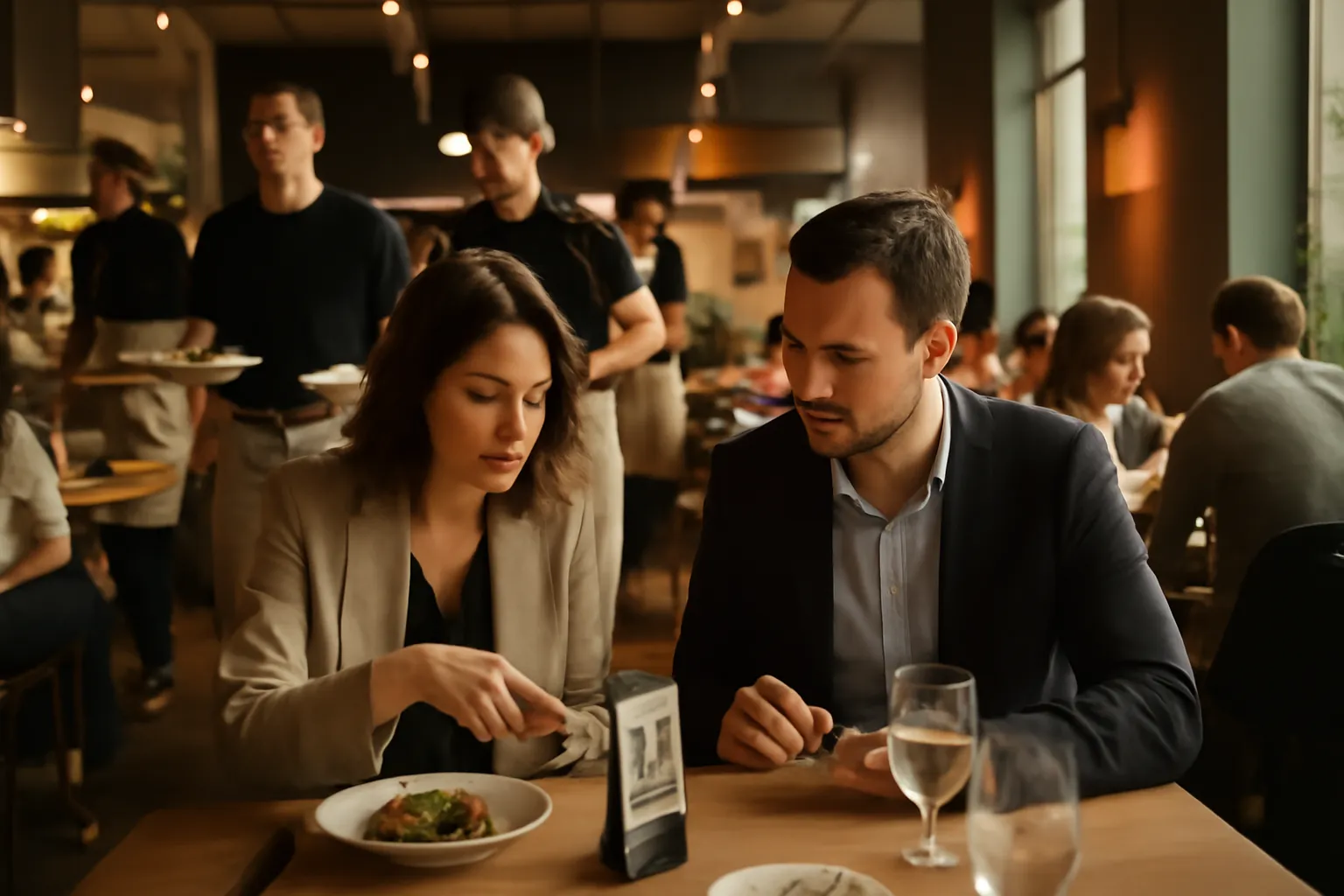
In many restaurants, the problem isn't the kitchen: it's the wait to take an order. One table wants to order another drink, another is ready to eat, and another needs to reorder dessert, but the staff is stretched thin. With QR table orders for restaurants, you can now let customers order from their own table whenever they want, without apps, without registration, and without relying on finding a waiter at that moment.
The result is simple: less downtime, more agility in the dining area, and more sales opportunities. Especially in terraces, hotels, beach clubs, cafes, and venues with peak work periods, this system helps maintain smooth service without complicating the customer experience.
What are QR table orders for restaurants
It's a new way to take orders from the digital menu. The customer scans the QR code at their table, accesses the menu, chooses what they want, reviews their cart, and sends the order from their mobile. This way, they can order when they're ready, without waiting to raise their hand or for a waiter to come by again.
It doesn't change your culinary proposal: it changes the speed at which you convert an intention into a real order. If a table wants a second round or to add an appetizer, they no longer have to wait to "catch" someone from the team. This reduces friction and improves the experience from the very first minute.
Additionally, the customer continues to see your digital menu with all the information well presented: photos, descriptions, variants, and useful details. If you already manage your digital menu, this improvement integrates naturally into the experience. You can learn more about the foundation of this solution in all the features.
The real advantage in the dining area
Every order that the customer sends themselves is one less wait for the table and one less interruption for the team. During peak hours, that difference is quickly noticeable: more tables served on time and less sense of chaos in the service.
It's not about replacing staff, but about giving them breathing room where they need it most: taking fewer repetitive notes and spending more time serving better.
How it works in daily operations
The experience for the customer is very simple. They arrive at the table, scan the QR code, browse the menu, and add products to the cart. When they're done, they confirm the order. Everything happens from the mobile browser, so there's no need to download anything or create a user account.
For the restaurant, the important thing is that you can adapt this dynamic to your way of working. Not all businesses want the same level of customer autonomy, so the system adjusts to different service styles.
- View menu only: the QR functions as a digital menu, without sending orders.
- Order ready for the waiter: the customer prepares their selection, and the team takes it as a basis to confirm at the table.
- Direct sending: the order goes out as soon as the customer confirms it.
- With staff approval: the customer orders from the mobile, but the team validates before proceeding.
This allows you to activate the option that best fits your current operations. If you want to take it step by step, you can start with a more controlled mode, and when the team gets used to it, move towards a more agile experience. If you also manage multiple areas or service integrations, you can explore complementary options in Conecta.
What your restaurant gains with this system
The first gain is operational: less bottleneck when taking orders. When several tables want to order at the same time, service gets stuck right at the beginning. Allowing the customer to send their order from the table reduces that blockage and gives more fluidity to the shift.
The second gain is commercial: higher average ticket. When the customer sees the entire menu calmly, without rush and without feeling that they are "bothering," they are more likely to add an extra drink, an appetizer to share, a dessert, or a second round. The mobile becomes a menu that is always available, not just a one-time visit from the waiter.
The third is about experience: less perceived wait. Even though the kitchen has its times, the customer feels that they have already progressed because they could order instantly. That sense of control greatly enhances the perception of service.
Before and after on a terrace
Before: 8 tables sit down almost at the same time. The team rushes to distribute menus, explain doubts, and take orders one by one. Some tables wait 10 to 15 minutes just to order the first drink.
After: each table scans their QR upon sitting down and can send the order as soon as they decide. The staff focuses on serving, genuinely resolving doubts, and caring for the experience. The start of service stops being a bottleneck.
More control, less friction for the customer
One of the keys to this improvement is that it doesn't complicate life for the diner. No app, no registration, and no unnecessary steps. Scan and order. This makes adoption much more natural, even for customers who don't want to install anything.
It also helps you communicate the product better. If your menu has variants, specific ingredients, or sensitive information for certain customers, displaying it clearly in digital form reduces errors and doubts at the table. If this point is important for your business, you can also rely on managing allergens to offer a safer and more transparent experience.
In hotels and restaurants with international clients, moreover, the digital menu makes it easier for each person to understand what they are ordering. And if you already use the AI waiter, the experience gains even more clarity when resolving frequently asked questions about dishes or drinks.
A concrete example of use
Imagine a restaurant with 40 tables and a very busy terrace on weekends. Between 2:00 PM and 3:30 PM, almost all arrivals concentrate in a short time. The floor team does a great job, but the first order taking always generates delays.
With QR table orders, the dynamic changes:
- The table sits down and scans their code immediately.
- They start looking at the menu without waiting for anyone to attend to them.
- They send drinks and appetizers as soon as they decide.
- The staff focuses on serving, recommending, and supervising, not running from table to table just to take notes.
- Second rounds and extras are ordered more easily during service.
In practice, this usually translates to more speed at the start of the shift, less saturation for the team, and more orders that previously got lost due to pure waiting. For many venues, the change isn't about attracting more customers, but about better utilizing those already seated at the table.
If you want to compare this case with other business formats, you can see more scenarios in use cases.
Frequently Asked Questions
Here are the most common questions about QR table orders and how they can fit into the daily operations of a restaurant.
What are QR table orders for restaurants?
It's a way to let the customer scan the QR code at their table, view the digital menu, add products to the cart, and send their order without waiting for a waiter to arrive.
Does the customer need to download an app or register?
No. The customer just scans the QR and orders from their mobile, without downloading any app and without creating an account.
Can I decide how the order enters my operations?
Yes. You can adapt the operation to your service: from just showing the menu to receiving orders ready for review, sending them directly, or having the staff approve them first.
Is it useful for peak hours and terraces?
Yes. It's especially useful in terraces, dining rooms with high turnover, and peak hours, because it reduces waits and helps the team serve more tables with fewer interruptions.
Does it help to sell more?
Yes. By allowing the customer to order when they want and see the entire menu calmly, it's easier for them to add extras, drinks, desserts, or a second round.
If you want to offer QR table orders in your restaurant and give your team more breathing room without complicating the customer experience, discover how it works in our features.