AI Receptionist for Restaurants: What It Should Do in 2026
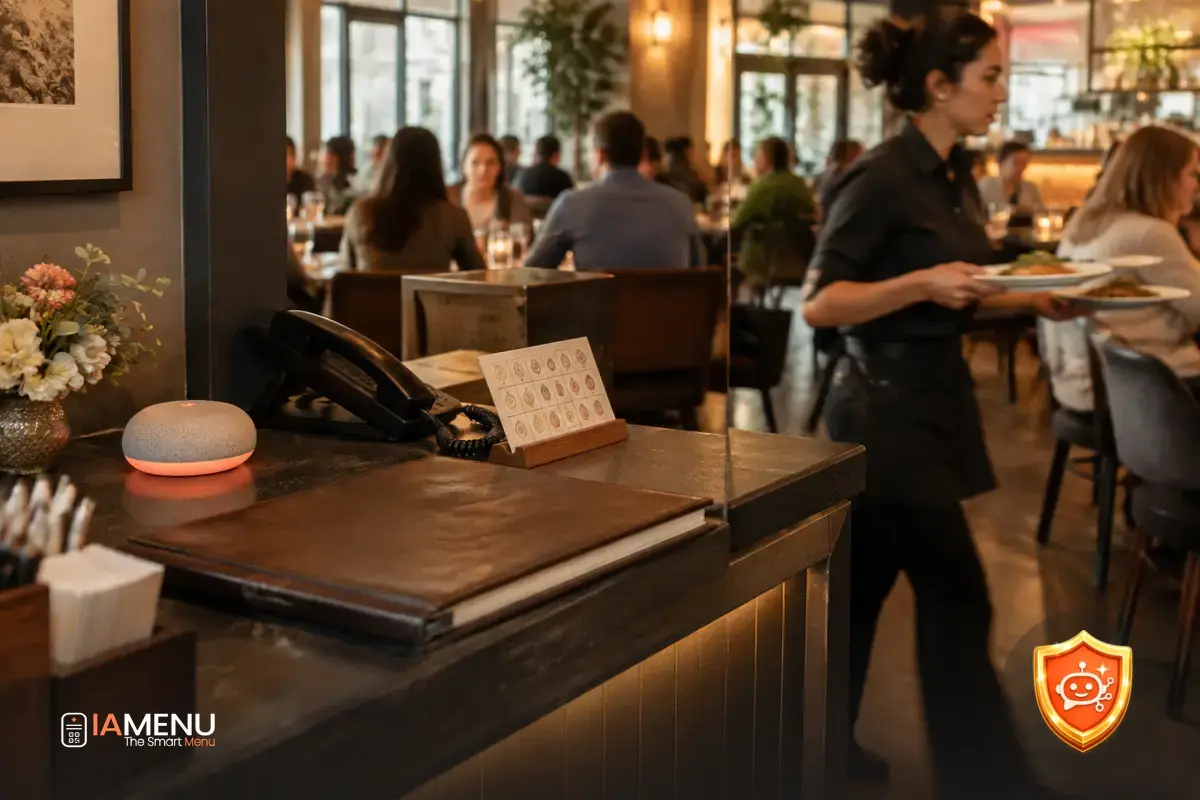
The phone rings just as three dishes are going out, someone asks on WhatsApp whether there’s a table for four, and a group is waiting at the door. In that moment, a missed call isn’t just a statistic: it could be a reservation the team never even hears about. An AI receptionist for restaurants promises to help manage that workload, but simply answering the phone isn’t enough. It needs to understand how the restaurant operates, provide reliable information, and log each interaction where the team can see it. Here you can find out what iaMenu’s AI receptionist, coming soon, is being built to do, and what to check before choosing a solution like this.
What is an AI receptionist for restaurants?
It’s a system designed to handle customer conversations through one or more channels, such as phone and WhatsApp. Depending on its features and available integrations, it can answer frequently asked questions, collect details for a reservation, help with an order, or pass the inquiry to a person. The important distinction is between keeping a conversation going and completing a task in a way that’s useful for the restaurant.
For example, answering “yes, we’re open on Sundays” is only helpful if the hours are accurate and up to date. And taking a table request doesn’t mean the reservation is confirmed: the system needs to check availability, record the request in the right place, and explain to the customer what happens next. If it can’t confirm the reservation, it needs to say so clearly.
That’s why it’s worth evaluating the solution as part of the front-of-house workflow, not as a friendly voice that answers calls. It needs to fit the restaurant’s operations: who reviews requests, how changes and cancellations are handled, what information is collected, and when the team steps in.
The question that separates a demo from a useful tool
After a conversation, what’s actually been done? Ask to see where the reservation or order appears, what information the staff receives, and what happens if the customer corrects a detail. If the answer is just “the AI has a conversation,” you still don’t know how it helps with service.
Missed calls during peak hours: the problem it should solve
At many restaurants, the phone rings while the team is serving tables, plating food, or taking payments. There may not always be someone available to answer, and stepping away from the task at hand to pick up a call also has an operational cost: it interrupts service and can make the wait longer for guests already in the restaurant.
An AI receptionist can help fill that gap if it actually answers the restaurant’s phone during the hours you set and understands common inquiries. But “always answers” shouldn’t mean giving an automated response to everything. An unusual request—a celebration with special needs, a complicated change, or an issue—may require a person.
It also matters what happens when no one on the team can follow up on a call. Is a message left with the caller’s name and phone number? Is the inquiry sent to a channel someone checks? Is the customer told they’ll hear back later? A conversation without follow-up can become another missed opportunity, just with a few extra steps.
Test a real shift, not just the perfect scenario
Run a test during a simulated service: one call to make a reservation, another to ask about a dish, and one inquiry the system can’t confirm. Check whether it collects all the details, avoids making things up, and sends the team a notification they can act on without searching through several conversations.
Phone and WhatsApp: serve customers on the channels they already use
A system focused only on calls may be enough for a restaurant that receives almost all inquiries by phone. For others, WhatsApp is just as important: customers use it to ask about hours, availability, group menus, and last-minute changes. Some AI receptionists focus exclusively on phone calls; if you also need WhatsApp, check that it’s included and find out how the system handles that channel.
Multichannel service isn’t just about answering in two places. Find out whether conversations are organized in a shared inbox, whether the system can recognize that someone first messaged on WhatsApp and then called, and whether the team can pick up where the conversation left off. Otherwise, a request could be duplicated or left unresolved because no one can see the full context.
Also ask what messages the system can send and when. A reservation confirmation, a request for missing details, and instructions on how to contact the restaurant are different scenarios. The wording should reflect what the restaurant can actually deliver and shouldn’t imply that a reservation is confirmed when the system has only recorded a request.
Phone and WhatsApp shouldn’t be two separate islands
Before choosing, confirm which channel receives alerts about pending inquiries, who can respond, and whether the conversation is recorded. Continuity matters more than the number of channels: customers shouldn’t have to repeat all their details just because they switched channels.
Reservations and orders: collecting details isn’t the same as confirming them
To take a reservation, the system needs to know what information to ask for—for example, the date, time, party size, and name—and how to check whether the restaurant can accommodate it. It also needs to follow the restaurant’s rules: seating durations, hours, group sizes, and any conditions the team has set.
Orders have different requirements. The system needs to identify what the customer wants, clarify options when needed, and accurately communicate whether the order has been received, needs confirmation, or must be completed through another channel. Don’t assume that a tool that records reservations can also handle orders: ask to see each workflow separately.
The key test is to check where each interaction ends up. If reservations and orders go into different dashboards, someone will need to review them separately. If the team already uses a particular system, ask whether an integration is available, what data syncs, and what happens if the connection fails. A transparent explanation of the limitations is worth more than a vague promise of “easy integration.”
Example: a reservation for six
A customer asks for a table for six at 9:00 p.m. The system should collect the date and contact details, check whether it can confirm that time according to the restaurant’s rules, and communicate the result without confusing a request with an accepted reservation. If a manager needs to make the decision, the system should pass along all the details and tell the customer that the request is pending.
At iaMenu, direct reservations from the menu itself are already available with no commissions. The AI waiter can also take reservations by chatting with diners within the menu. This is a useful option for restaurants that want to offer that today, although it isn’t the same as an AI receptionist that handles phone calls or WhatsApp: that feature is in development and will be available soon, with no release date announced. If you’re evaluating tools focused on this task, you can also check out this guide to AI reservation systems.
Menu questions: allergens, ingredients, and opening hours
A key part of reception is answering questions that aren’t always about making a reservation. Customers may want to know whether a dish contains nuts, what ingredients it includes, whether there’s a vegetarian option, or what time the kitchen closes. To answer well, the system needs current, easy-to-access information—not a generic description of the restaurant.
The menu is a practical source for many of these answers, but uploading a file once and forgetting about it isn’t enough. Dishes, sides, recipes, and hours change. Before signing up, find out whether the system uses the menu you already maintain or requires a separate upload, who’s responsible for updating it, and how long a change takes to appear.
It’s especially important to be cautious with questions about allergies and intolerances. The receptionist should communicate what’s documented and avoid guessing about cross-contamination or a recipe that hasn’t been fully described. It should know how to contact the team and guide the customer to confirm directly when the available information isn’t enough.
Don’t accept made-up answers just to “keep the customer from waiting”
Ask for a demo using a dish that has changed and another where information is missing. The system should distinguish what it knows from what it can’t confirm, and offer a clear next step. For more information on how automatic allergens in a menu are handled, check the product information too.
What to ask before choosing an AI receptionist
A polished demo can make any tool look simple. Bring a list of specific questions and ask for answers using a sample conversation based on how your restaurant actually operates. At a minimum, clarify these points:
- Does it know my current menu? Find out whether it uses the same information diners see, whether the menu needs to be uploaded separately, and how dishes, ingredients, and hours are updated.
- Which channels does it really handle? Confirm whether it includes phone, WhatsApp, or both, and what hours it will be operational.
- Where do reservations and orders appear? Ask to see the dashboard or tool that receives each interaction, and find out whether reservations are confirmed automatically or need to be reviewed.
- Which languages can it handle? Test the languages your customers commonly use, with real dish names and questions. Don’t rely on a list of supported languages without checking the quality of the answers.
- What does it do when it doesn’t know? It should recognize its limitations, avoid making up information, and pass the inquiry along with enough context.
- How are errors reviewed? Ask whether the team can review conversations and correct information so that a wrong answer isn’t repeated.
- What happens if there’s an issue? Clarify how the team is notified about an unresolved call or pending reservation, and who is responsible for responding.
A useful test for comparing options
Prepare three scenarios: a reservation that can be confirmed, a question about an ingredient listed on the menu, and an inquiry that requires speaking with the team. Compare how well each system collects the details, uses accurate information, and makes the next step clear to the customer.
Languages, tone, and when a person should step in
The ability to serve customers in multiple languages can be important in tourist areas, but it shouldn’t be judged solely by the number of languages advertised. Check whether the system understands how customers ask questions, pronounces dish names clearly, and retains the details of a request when switching languages.
It should also sound right for the establishment. A casual restaurant and a hotel dining room may need different tones, but both need clear, respectful answers. Ask to review confirmation messages, explanations about availability, and responses for when the system doesn’t have enough information. The goal isn’t to make it sound human; it’s to make the conversation useful and avoid confusion.
Define from the outset which situations should be passed to the team: special requests, complaints, changes the system can’t process, or questions about undocumented ingredients. The handoff should include what the customer has already explained. That way, whoever picks up the case can continue the conversation without asking them to repeat everything from the beginning.
Sometimes the right answer is to ask for help
For a sensitive inquiry, such as confirming whether a dish contains an ingredient when the recipe isn’t fully documented, it’s better to acknowledge the lack of information and pass the question along. The system should offer a channel or a realistic response time instead of filling the silence with a guess.
What iaMenu offers today and what’s coming soon
It’s worth distinguishing between features that are available and those still in development. Today, restaurants can offer direct reservations with no commissions from their own menu. The AI waiter is also available: it chats with diners within the menu, answers questions about dishes, and can take reservations in that context.
iaMenu’s AI receptionist, on the other hand, is in development and will be available soon, with no release date announced. It’s planned as a receptionist connected to the restaurant’s menu, reservations, orders, allergens, and WhatsApp. It isn’t available to subscribe to yet and shouldn’t be confused with the menu and reservation tools that are already working.
That connection to the restaurant’s information matters because it reduces the gap between what customers ask and the information the team maintains in the menu. Even so, before adopting any solution, it’s worth verifying the entire workflow: what information is accessed, what action is recorded, and how staff can correct it. To learn about the role of the AI waiter in the customer experience, read the guide to AI waiters for restaurants.
How to prepare before automating reception
You don’t have to wait until you adopt a tool to organize the information needed for effective reception. Review kitchen hours, closing days, group booking policies, and the details required for a reservation. Make sure the menu matches current recipes and that the team knows where requests needing follow-up are recorded.
Then, make a note of the inquiries that interrupt service most often. They might be questions about availability, ingredients, hours, or directions. That list lets you test a solution with scenarios you recognize instead of settling for a demo conversation that doesn’t resemble a typical day at the restaurant.
Finally, assign someone to review changes and exceptions. Even if some inquiries are automated, the restaurant still needs someone to keep information up to date and handle situations that require human judgment. A well-chosen tool doesn’t eliminate that work; it helps the team avoid interrupting every task to answer the same questions across different channels.
A quick checklist before you decide
- Identify which inquiries come in by phone and which come in through WhatsApp.
- Check that the menu, hours, and reservation rules are up to date.
- Decide what can be confirmed automatically and what needs a person to review it.
- Choose who will receive and handle inquiries that are left pending.
Frequently asked questions
These answers summarize what an AI receptionist can do, what to check before choosing one, and which iaMenu features are currently available.
What is an AI receptionist for restaurants?
It’s a system that handles customer inquiries through channels such as phone and WhatsApp, and can help manage tasks like reservations or orders. Its usefulness depends on whether it knows the restaurant’s actual information and knows when to pass an inquiry to the team.
Can an AI receptionist answer calls during service?
Yes, if the provider offers phone support and the system is configured to answer common questions about the restaurant. Before signing up, it’s worth testing the system with real or simulated calls and checking how it responds when it doesn’t understand something.
Can an AI receptionist take reservations and orders?
It can if it’s connected to a system where they’re recorded and the restaurant has defined its rules for availability, hours, and confirmation. Ask where reservations and orders appear, and how they can be changed or canceled.
What’s the difference between an AI receptionist and an AI waiter?
An AI receptionist is designed to handle channels such as phone and WhatsApp; an AI waiter assists diners within the digital menu. It can answer questions about dishes and, with iaMenu, can already take reservations by chatting with customers in the menu.
What should I ask before choosing an AI receptionist?
Check whether the system knows your menu, connects reservations and orders to the tools you use, supports the languages you need, and knows what to do when it doesn’t have a reliable answer. Also ask for a demo using scenarios that are common at your restaurant.
Is iaMenu’s AI receptionist available yet?
No. iaMenu’s AI receptionist is in development and will be available soon, with no release date announced. Direct reservations from the menu and the AI waiter that can take reservations within it are available today.
What happens if the AI receptionist doesn’t know the answer?
It should acknowledge that it doesn’t have enough information and offer a clear alternative, such as passing the inquiry to a person or letting the customer know when the team can respond. It shouldn’t make up hours, ingredients, availability, or reservation policies.
Can it serve customers in multiple languages?
That depends on the solution and how it’s configured for each channel. Before choosing one, test the languages your customers actually use and check that it preserves the meaning of information about dishes, reservations, and hours.
If you’d like to start with an option that’s available today, see how direct reservations from the iaMenu menu work and consider whether they fit the way you serve your diners.