Restaurant Phone Reservation Management in Your Dashboard
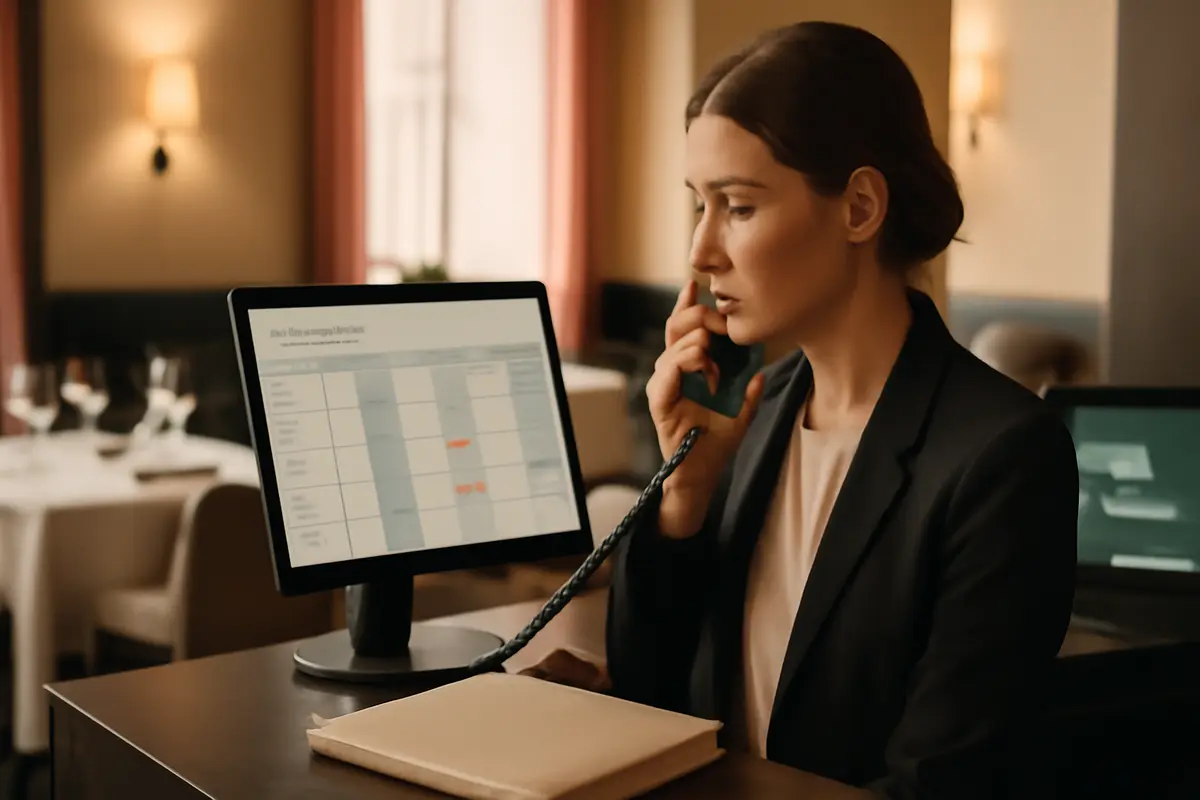
The management of restaurant phone reservations remains a daily challenge because many tables are still booked via call or WhatsApp. The problem is not just recording them: it’s about not losing them, not duplicating them, and not forgetting who has already come, who cancels late, or who has multiple absences. Now you can gather all that in the same panel and work with a single calendar, without paper notebooks or loose notes.
What changes in managing phone reservations for the restaurant
From now on, reservations that come in via phone or WhatsApp can also be recorded directly in your panel. This way, you don’t depend on a notebook at the bar, messages scattered across phones, or remembering later which table you promised for 9:30 PM.
The advantage is simple: all your reservations are in one place. Online reservations, those that come via message, and those you take over the phone are all visible together in the service calendar. This helps you confirm faster, avoid mistakes, and have a real view of occupancy.
If you already use management tools for your restaurant, this change fits naturally into daily operations. Fewer steps, fewer doubts, and less time spent searching for information.
What’s important for the dining room and reception
When a table is recorded at the same moment and in the same calendar, the team gains something very valuable: clarity. A single version of the truth for the entire service.
- You avoid duplicating reservations between the notebook and the panel.
- You reduce confusion between shifts and colleagues.
- You see the real occupancy before accepting another table.
- You work more orderly during peak hours.
How it works in day-to-day operations
The use is straightforward. A call or a WhatsApp comes in, you take the reservation details, and you record it in the panel. Automatically, that table becomes part of the same calendar where you can already see the rest of the reservations.
While you register the reservation, the assistant helps you recognize if the customer has been there before. You can also see if they have a history of no-shows, which is especially useful when managing weekends, small groups, or services with high demand.
It’s not about adding more work, but about making better decisions in the moment. If the customer is a regular, you can serve them with more context. If they have multiple absences, you can confirm more carefully or adjust how you manage that table.
Additionally, if you want to continue improving coordination between channels, you can see other connection options in Conecta and explore how to centralize more business tasks.
What the restaurant gains by unifying phone, WhatsApp, and online
The most immediate benefit is operational: fewer errors and more control. But the real impact goes beyond order.
- More visibility: you see all the occupancy for the day without jumping between paper, mobile, and system.
- Fewer forgets: a reservation recorded on the spot has less risk of being lost.
- Better service: recognizing repeat customers helps personalize attention.
- More criteria: knowing previous no-shows allows you to better protect each shift.
- More peace of mind: the team shares the same information in the dining room, bar, or reception.
For many restaurants, the improvement is not in receiving more channels, but in managing better the ones that already work. If most of your reservations still come in via phone and WhatsApp, it makes sense for them to also exist in the same system.
Before: call noted on paper, WhatsApp on a mobile, online reservations on another screen.
Now: everything in a single calendar, with customer history and better service control.
A concrete example of use in a real service
Imagine a Friday at 8:15 PM. Within minutes, you receive a call for 2 people at 9:00 PM, a WhatsApp for 4 at 10:00 PM, and meanwhile, online reservations keep coming in. If each channel operates separately, it’s easy to promise a table without seeing the whole picture.
With the unified panel, you record the two manual reservations on the spot, and the calendar updates with the real occupancy. Additionally, when registering one of them, you see that the customer has reserved several times before. In the other, you detect that they have more than one no-show. This information allows you to act wisely before confirming.
The result is not just order: it’s a safer operation. Fewer surprises in the dining room, fewer misassigned tables, and fewer decisions made blindly.
If you also work on the customer experience in the menu, reservations, and service, you can complement this operation with the IAMenu AI assistant or review other use cases depending on the type of restaurant.
Why this improvement matters more than it seems
In many businesses, the bottleneck is not in getting reservations, but in managing them well. When a significant part continues to come through manual channels, any disconnection generates friction: double bookings, poorly calculated gaps, customers waiting, and the team improvising.
Centralizing the management of restaurant phone reservations in the same panel you use for the rest is not a minor detail. It’s a way to professionalize operations without complicating them. Everything becomes clearer, more traceable, and easier to review.
And the clearer the service is, the better something key is protected: the profitability of each table.
Frequently Asked Questions
Here are the most common questions about this new feature and how it can help you in the daily operations of the restaurant.
Can I record reservations that come in via phone and WhatsApp in the same calendar?
Yes. You can now register in a single panel the reservations that come in via phone, WhatsApp, and online channels, to see all the occupancy for the day in one place.
Does the system notify me if the customer has reserved before?
Yes. When registering a reservation, you can identify if that customer has been there before and check their history to better serve each case.
Can I also see if a customer has had no-shows?
Yes. The panel helps you detect how many no-shows a customer has accumulated, to make more informed decisions before confirming a table.
Does this replace the notebook or loose notes of the restaurant?
Yes. The idea is to centralize all reservations in one place to reduce errors, avoid forgets, and leave behind paper or scattered messages.
Do online reservations still appear alongside manual ones?
Yes. Online reservations and those you enter manually are shown together in the same calendar, so the team works with a single view.
If you want to see how this improvement fits into the daily operations of your business, discover all the features in IAMenu for restaurants.