Dark mode digital menu for better night work
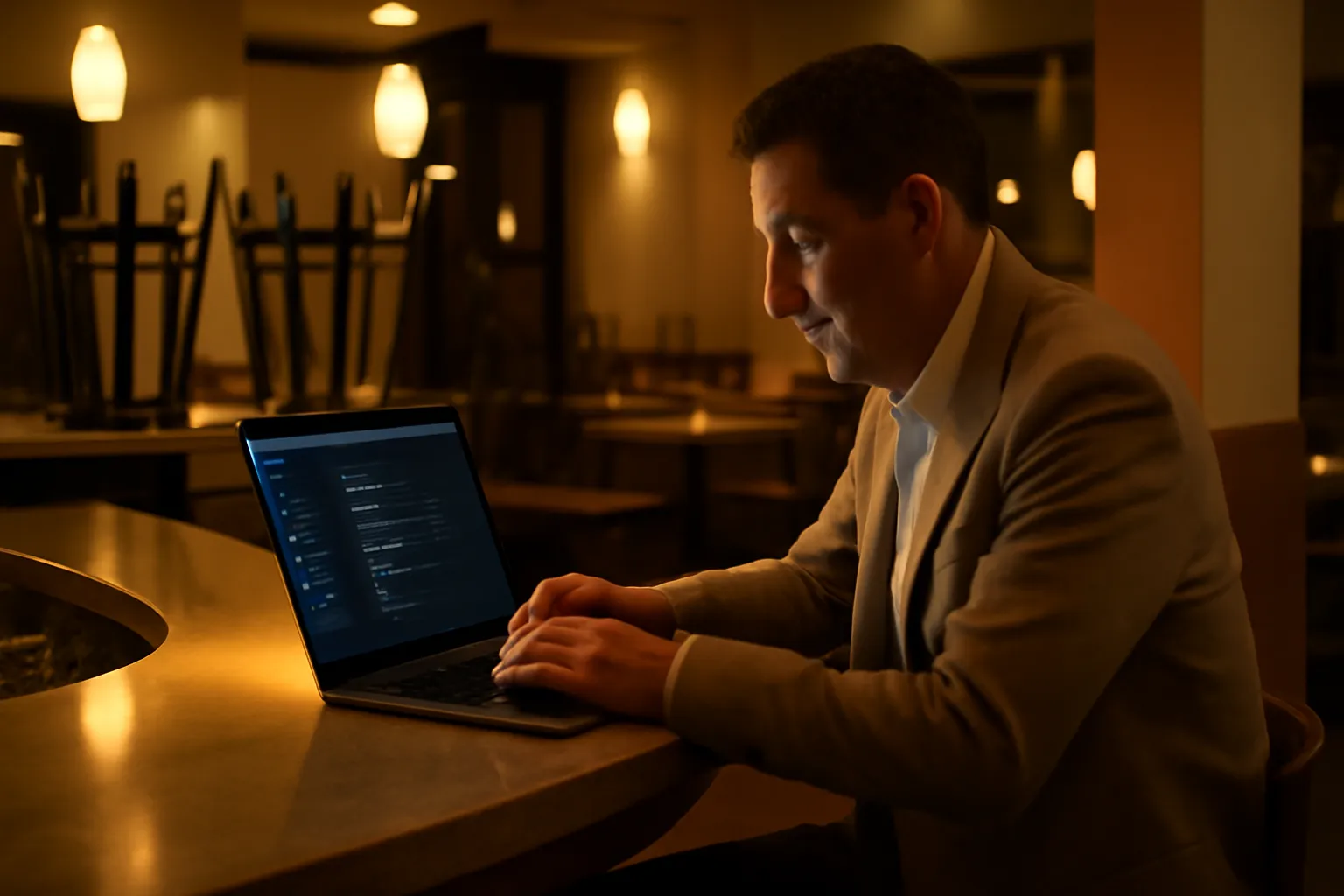
If you often check prices, change dishes, or update your menu when the dining room is already empty, you know what happens: the screen light is more tiring than it should be. With the new dark mode digital menu, you can now work across the entire panel with a more comfortable view for nighttime hours and low-light spaces.
This improvement is designed for a very real situation in the restaurant and hospitality industry: many menu decisions are made after service. That's why the entire panel now offers a true dark mode, easy to activate and with automatic memory of your preference so you don't have to adjust it every time.
What is the dark mode digital menu
Dark mode is a new way to visualize your management area with dark tones and contrasts designed to make editing your menu more pleasant at night. We're not just talking about a specific screen: the entire panel adapts, including sections, forms, and pop-ups.
This means that when you enter to change a description, upload a photo, adjust an allergen, or review a category, you maintain the same visual experience across all important parts of the panel. If you already use features like allergen management or content control from the digital menu features, you can now do so with a more relaxed interface for your eyes.
Designed for the real hours of a restaurant
Many menu changes are not made at noon, but at closing, after service or between shifts. Dark mode is born for that moment: less brightness, better reading, and a more comfortable visual feel when the environment is already dim.
How it works in your day-to-day
Using it is very simple: it activates with a click. There's no need to touch complex settings or learn anything new. As soon as you select it, the panel changes its appearance to offer a friendlier experience during long or nighttime work sessions.
Additionally, the system remembers your preference. If you prefer to work in dark mode all the time, you'll continue to enter that way next time. And if one day you prefer light mode, you can also switch it whenever you want. The idea is for the panel to adapt to your way of working, not the other way around.
- One click to activate it and start working immediately.
- Applied throughout the panel, not just in one part.
- Includes pop-ups and forms, for a continuous experience.
- Remembers your choice for future sessions.
What your restaurant or hotel gains
The main advantage is very clear: more visual comfort when working with the menu in low-light moments. And that matters more than it seems, because a more pleasant experience helps small management tasks to be done with less friction.
When editing the panel becomes more comfortable, it's easier to keep important things up to date: prices, off-menu dishes, seasonal menus, images, or texts. In practice, this can help you better maintain the presentation of your offerings and react more quickly to service changes.
Before: you finish service, open the panel, and the screen brightness stands out too much in a dark environment.
Now: you can continue updating your menu with a smoother view, consistent across the entire panel and ready from the first click.
It's also a useful improvement for teams that share tasks: management, reception, bar, or kitchen can access the panel at different times of the day and choose the view that best fits their environment. If you also connect your operations with other tools from the available integrations or manage multiple points of sale, this comfort is even more noticeable in daily use.
Concrete example: updating the menu at closing
Imagine this scenario: it's 11:45 PM, service has ended, and you take the opportunity to prepare the menu for the next day. You want to remove a sold-out dish, adjust the price of a suggestion, and review a description that doesn't quite convince you.
With the panel in dark mode, the experience is more comfortable for that moment. It doesn't change your way of working or add extra steps: it simply allows you to do the same with a view better suited to the real closing context.
- You correct dishes or menus without an excessively bright screen.
- You review texts, categories, and photos with more visual comfort.
- You follow the same flow as always, but with a more relaxed interface.
- The next time you enter, the panel already remembers your choice.
This type of improvement doesn't seek to complicate anything, but rather to better accompany the real rhythm of the business. If your team spends time keeping the menu well-maintained, a more comfortable experience helps that work to be done more easily. And if you're still evaluating what a digital menu can bring to your operations, you can see cases and formats in our use cases or explore the complete solution in other tools in the ecosystem.
A small improvement in appearance, big in daily use
There are innovations that change entire processes and others that improve something equally important: how you feel when using the tool every day. Dark mode falls into this second category. It doesn't aim to reinvent your panel, but to make working with it more pleasant when you need it most.
For many businesses, the best time to update the menu comes precisely when everything is quieter. And now, that moment can also be more comfortable for your eyes.
Frequently Asked Questions
Here are quick answers to the most common questions about the new dark mode of the panel.
What is the dark mode digital menu in the panel?
It's a new visualization of the management panel with dark colors designed to work more comfortably in low-light environments. It affects the entire panel and also the pop-ups.
How do you activate dark mode?
It activates with a click from the panel. You don't need to do any complicated setup, and you can switch between light and dark mode whenever you want.
Does the system remember my preference?
Yes. Once you choose dark mode or light mode, the panel remembers your choice for the next times you log in.
Does dark mode change my digital menu for the customer?
Not necessarily. This feature is designed for your management panel, to make it more comfortable for you to edit products, prices, photos, and texts.
For what type of restaurant or hotel is it useful?
It's especially useful for businesses that update the menu at night, after service, in the kitchen, bar, reception, or offices with low light.
If you want to see everything you can already do with your digital menu, take a look at all the available features.