Digital Order Taking: Mobile Waiter Orders in Seconds
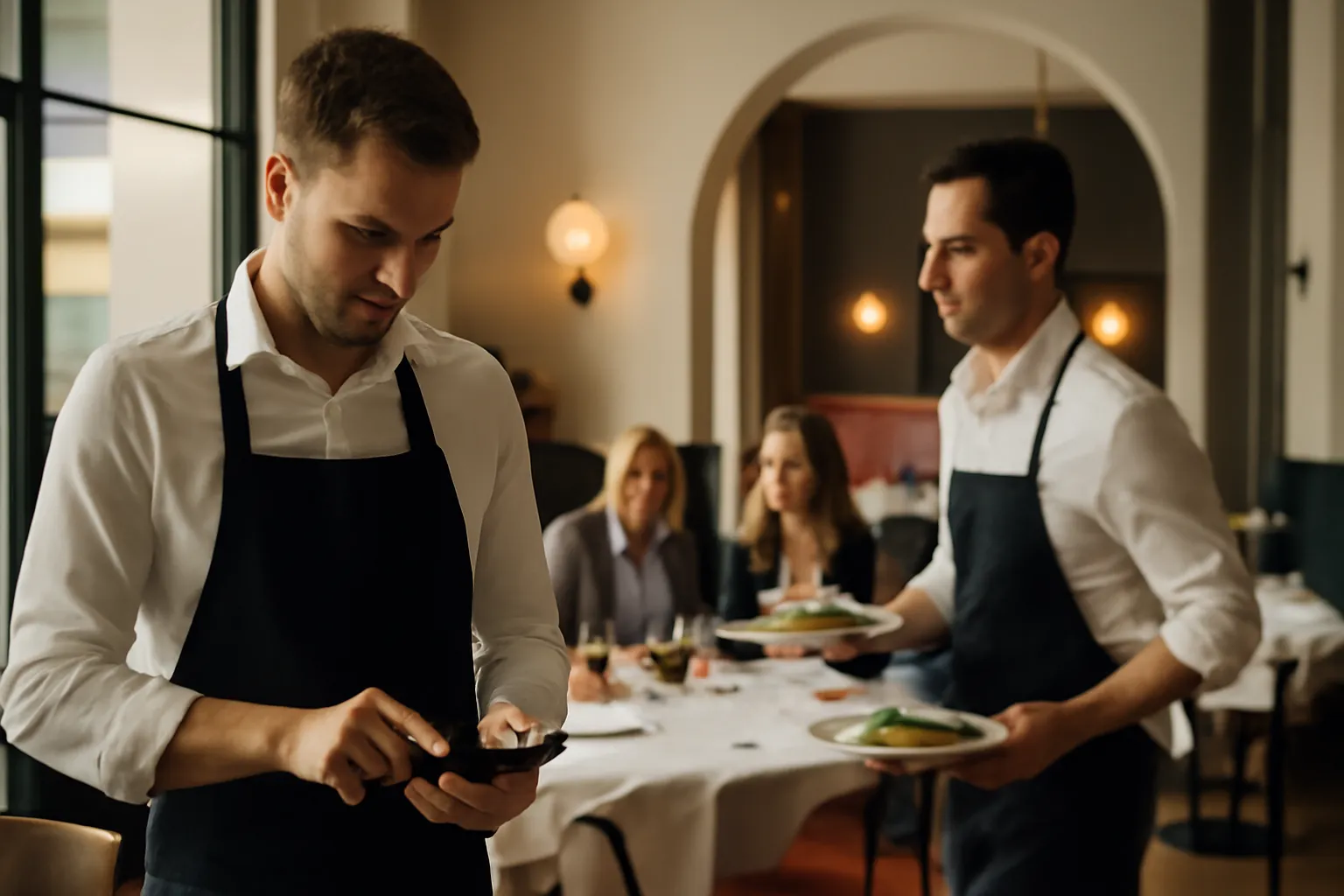
During peak hours, every second counts. The mobile waiter digital order was created to solve one of the most common bottlenecks in the dining room: taking too long to place orders, repeating dishes multiple times, writing on paper and then correcting mistakes. Now you can register the order from your mobile in just seconds, with a smooth and clear view so that service can proceed without friction.
What is Waiter Mode
Waiter Mode is a faster way to take orders from a mobile device when the customer does not scan, prefers to order from the waiter, or the order comes through another channel. It is designed for the real pace of the restaurant: changing tables, last-minute questions, and moments when staff need to get straight to the point.
Instead of relying on loose notes or memorizing details, the waiter selects the table and builds the order by viewing a visual menu that is organized and easy to understand. This allows for confirming dishes, drinks, and preferences with more confidence, even when the dining room is full.
If you are already using the digital menu from IAMenu, the transition is natural: now you can use that same clarity within the daily operations of the dining room.
Designed for real speed
The goal of this view is very simple: to register a typical order in less than 20 seconds. Fewer steps, less back and forth, and less time standing at the table.
How the mobile waiter digital order works
The dynamic is designed for any team member to get started quickly. Access is done with a 4-digit PIN, without relying on emails or lengthy processes. This reduces friction in day-to-day operations and makes it easier for staff to enter and exit the tool according to their shift.
Once inside, the waiter selects the table and starts adding products with a visual navigation very similar to what the customer sees. This has a very important practical advantage: there is no need to interpret internal names or remember details. Everything is presented to decide and confirm quickly.
- The waiter enters with a 4-digit PIN.
- Selects the corresponding table.
- Adds dishes and drinks from a visual menu.
- Consults photos, descriptions, and allergens while taking the order.
- Also registers orders that come in via phone, WhatsApp, or voice.
This is especially useful when the customer experience starts outside the table or when a reservation calls before arriving. Instead of leaving those orders out of the flow, they can now be included here and are better organized.
What the restaurant gains in daily service
The first improvement is speed. When the team takes less time to place orders, they turn tables better and spend more time attending, selling, and resolving. The second improvement is accuracy: by seeing photos, descriptions, and allergens during the order-taking process, misunderstandings and unnecessary repetitions are reduced.
Consistency also improves. It doesn't matter if the order comes at the table, by phone, or via WhatsApp: the restaurant works with a unified way of recording the order. This simplifies operations and prevents each channel from ending up with different notes or incomplete data.
Before: the waiter quickly jots down on paper, asks again about a side dish, hesitates with an allergen, and then rushes to pass the order.
Now: they see the product, confirm the information on the spot, and leave the order registered from the mobile, without unnecessary intermediate steps.
If you also work with food information as part of the service, this way of taking orders fits very well with a well-crafted and clear menu. You can learn more about it in allergens.
A real example of use in the dining room
Imagine a table of four people during a busy lunch shift. Two customers already know what they want, one asks about allergens, and another changes the side dish. At the same time, an order comes in via WhatsApp for pickup in half an hour.
With Waiter Mode, the waiter can handle both situations from the same mobile device. First, they select the table, add the dishes while confirming each detail with the visual menu, and review the necessary information without leaving the flow. Then they register the WhatsApp order with the same logic, without having to resort to separate notes.
The result is not just "more digital." The result is a smoother dining room, less wasted time, and a more secure experience for the customer. In restaurants with multiple entry channels, this difference is especially noticeable as volume increases.
And if you want an even more connected operation between the menu, orders, and service, you can explore the integrations and connections available for your business.
Why it also helps to sell better
When the waiter takes the order with a visual menu in front of them, they not only gain speed: they also have more tools to recommend. A clear photo, a well-written description, or better visibility of extras and drinks help to drive decisions in the moment.
This can translate into a more thoughtful average ticket, not due to commercial pressure, but because the conversation at the table is clearer. The customer understands better what they are ordering and the team has more context to suggest confidently.
- Fewer errors when confirming dishes and details.
- More agility in tables with urgency or high turnover.
- Better response to questions about ingredients and allergens.
- A single flow for orders in the dining room, by phone, or via messaging.
- More clarity for new team members or on busy days.
In businesses with a terrace, hotel, or multiple service areas, this type of mobile-first operation makes a clear difference. If you want to see other practical scenarios, visit use cases.
Frequently Asked Questions
Here are quick answers to the most common questions about Waiter Mode and its use in the daily operations of the restaurant.
What is Waiter Mode?
It is a view designed for dining room staff to take orders from a mobile device quickly, clearly, and without relying on paper.
Is an email or password required to log in?
No. Access is done with a 4-digit PIN, so the team can start working quickly.
Does it also work for orders by phone, WhatsApp, or in person?
Yes. You can use it to register orders that come in by voice, phone, WhatsApp, or directly at the table.
Does the waiter see photos, descriptions, and allergens when taking the order?
Yes. When taking the order, they see the same visual menu, with photos, descriptions, and allergens, which helps to confirm each dish better.
What benefit does it bring to the restaurant?
It helps to take orders faster, reduce errors, streamline service in the dining room, and maintain clearer control of each order.
If you want to see how this improvement fits into your operations and your digital menu, discover more in all the features.