QR Poster for Restaurant Printing: Ready to Hang
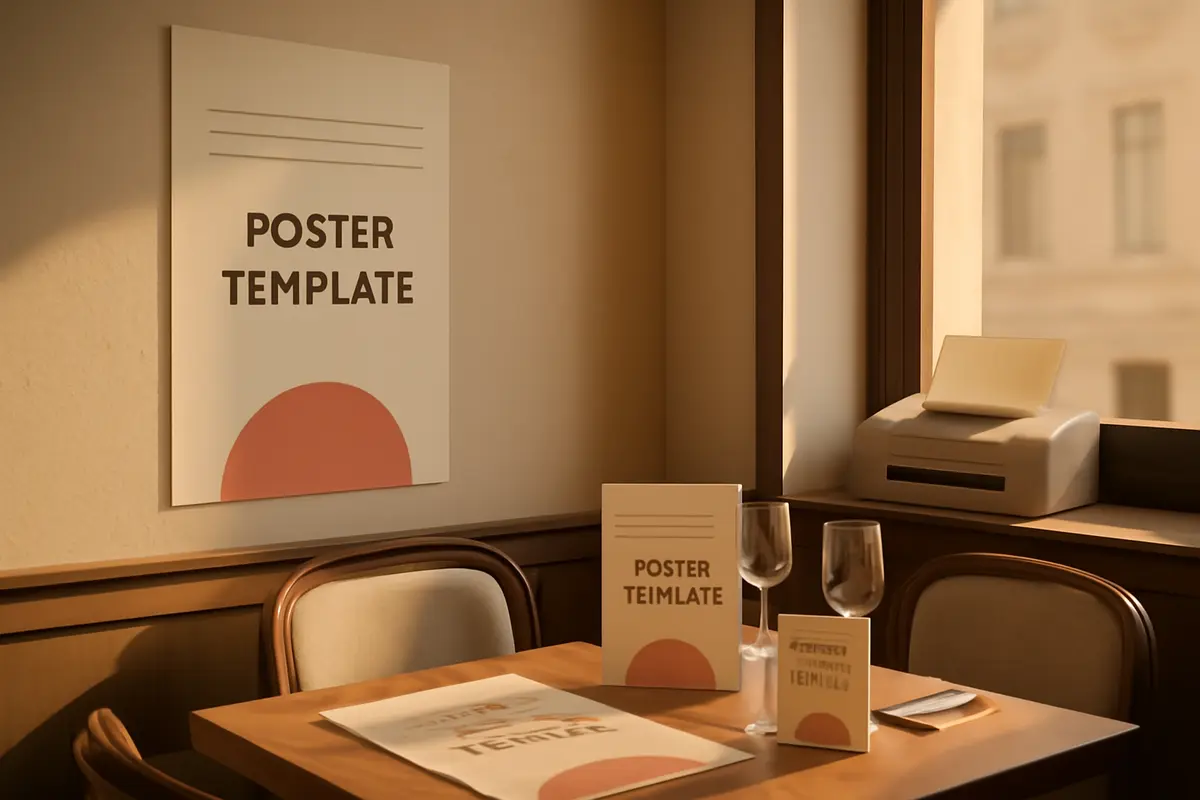
If you’ve ever had to request a design, check sizes, adjust colors, and reprint just to get a restaurant QR poster ready to print that looks right, you know how easy it is to waste time on something that should be solved in minutes. Now you can download QR posters ready to print and hang, with your logo, your colors, and the same style as your digital menu, to use on tables, walls, bars, or windows without extra work.
What are ready-to-print QR posters
This new feature is designed so your restaurant has physical materials ready to use from the very first moment. Instead of preparing the QR code separately and the design separately, now you can generate posters that come out with a polished presentation consistent with your business.
The idea is simple: your digital menu already has an image. Now that same image also appears on the printed posters. So when a customer scans, everything visually fits together at first glance.
You can use these posters to give visibility to the menu at key points in your venue, reinforce your brand, and reduce customer doubts when they enter, sit down, or wait for service.
The key point in one sentence
Now you can have A4 and A5 templates ready to print, with your QR, logo, and colors, without designing anything from scratch and maintaining the same image as your menu.
Restaurant QR poster ready to print with the same image as your menu
One of the most common problems in the dining area is that each visual piece seems made separately: a menu with one style, a generic QR on the table, and an entrance poster that doesn’t match the rest at all. That gives an impression of improvisation.
With this improvement, the posters automatically inherit the visual style of your menu. If your brand is already polished in the digital menu, now it’s also reflected in what you print. This helps you convey order, professionalism, and a more consistent experience.
Also, if you’re updating how you present your offer, you can rely on other options of digital menus for restaurants and maintain a clearer presence both inside and outside the dining area.
- Your logo appears integrated into the poster.
- Your colors are applied so the piece matches your brand.
- Your QR is ready to scan and print without intermediate steps.
- The design complements the menu, so everything looks unified.
How it works in the restaurant’s daily routine
The real usefulness of this feature is that it saves you repetitive tasks. You don’t need to prepare one file for the window, another for the bar, and a different one for the tables if all you want is simply to show the menu and do it well.
You can download formats designed for regular printing, ready to place wherever suits you best. The available sizes are A4 and A5, two practical dimensions to cover most situations in a restaurant, café, or hotel.
And if you work with QR codes per table, you can also generate a PDF with the QR for each table to print them all at once. This is especially useful when opening a new venue, renewing the dining area, or replacing old posters without doing it one by one.
Before: requesting designs, reviewing files, creating versions for different areas, and preparing QR codes separately.
Now: you download the poster already prepared and, if needed, a complete PDF with the QR codes for all tables to print in a single batch.
If you also manage operations by connecting the menu with other business processes, you can see how it fits with solutions like connecting with your restaurant tools so everything works more smoothly.
What your restaurant gains by printing these posters
The benefit is not just aesthetic. Having well-designed QR posters improves menu visibility and reduces friction for the customer. The clearer it is where to scan and what to expect afterward, the more natural the access to the menu becomes.
This can help you better organize different moments of the service:
- At the entrance: you show the menu even before the customer sits down.
- In the window: you attract passersby with a quick way to check the offer.
- At the table: you facilitate immediate access to the menu without relying on someone handing it over.
- At the bar or reception: you guide the customer while they wait.
- On the terrace: you provide a visible and easy-to-replenish solution if needed.
It’s also a useful improvement for businesses with extensive menus, multiple spaces, or high turnover. The easier it is to locate the menu, the smoother the customer experience tends to be.
And if your offer needs to better inform about ingredients or dietary needs, you can combine it with allergen management in the menu so access to information is clearer from the first scan.
A concrete example of use
Imagine a restaurant with 18 tables, a small terrace, and a window with considerable foot traffic. Before, the team had a basic QR on some tables, an improvised poster at the entrance, and no visible support from outside.
With this new feature, they can solve it much more neatly:
- Print 1 A4 poster for the window.
- Place 2 A5 posters at the entrance and bar.
- Download a PDF with the 18 table QR codes and print them all at once.
- Maintain the same visual style at all contact points.
The result is simple but important: the customer sees a coherent image, finds the menu faster, and the staff spends less time resolving basic doubts about where to check it.
Ideal for openings, dining area changes, or seasonal updates
If you’re going to renew the table layout, open a terrace, or update your image, this feature lets you produce all printed QR materials in a single batch and maintain a uniform presentation from day one.
Where it makes the most sense to place them
Not all posters serve the same purpose. Choosing well where to place them makes the QR work better for you. The advantage of having A4 and A5 sizes is that you can adapt the poster’s presence depending on the venue’s spot.
- A4: very useful for windows, entrances, reception, or visible walls.
- A5: practical for bars, counters, waiting areas, or support in the dining room.
- QR per table: designed for direct and individual access at each table.
If your business has multiple use cases, like restaurant, hotel, café, or terrace, you can also get inspired by different real uses of the digital menu to decide how to distribute the posters according to the space.
Frequently asked questions
Here are quick answers to the most common questions about ready-to-print QR posters and how to use them in your restaurant.
Can I print QR posters with my logo and colors?
Yes. The QR posters inherit the image of your digital menu so you can print pieces with your logo, colors, and a coherent design without having to layout anything separately.
What QR poster sizes are available?
You can download ready-to-print templates in A4 and A5 sizes, designed to place the QR on tables, walls, bars, entrances, or windows.
Can I generate the QR codes for all my tables at once?
Yes. You can also download a PDF with the QR code for each table to print them all at once and speed up the dining area setup.
Do the QR posters match the design of my menu?
Yes. The poster design follows the style of your digital menu, so everything maintains the same image without extra work.
For which restaurant areas are these posters suitable?
They are suitable for tables, walls, bars, reception, entrance, terrace, and windows. The idea is that you can show menu access wherever you need the most visibility.
If you want to see how this improvement fits within everything you can already do with your digital menu, visit all the features and discover how to better present your menu inside and outside the restaurant.