How to Choose Digital Menu Software in 2026: An Honest Checklist
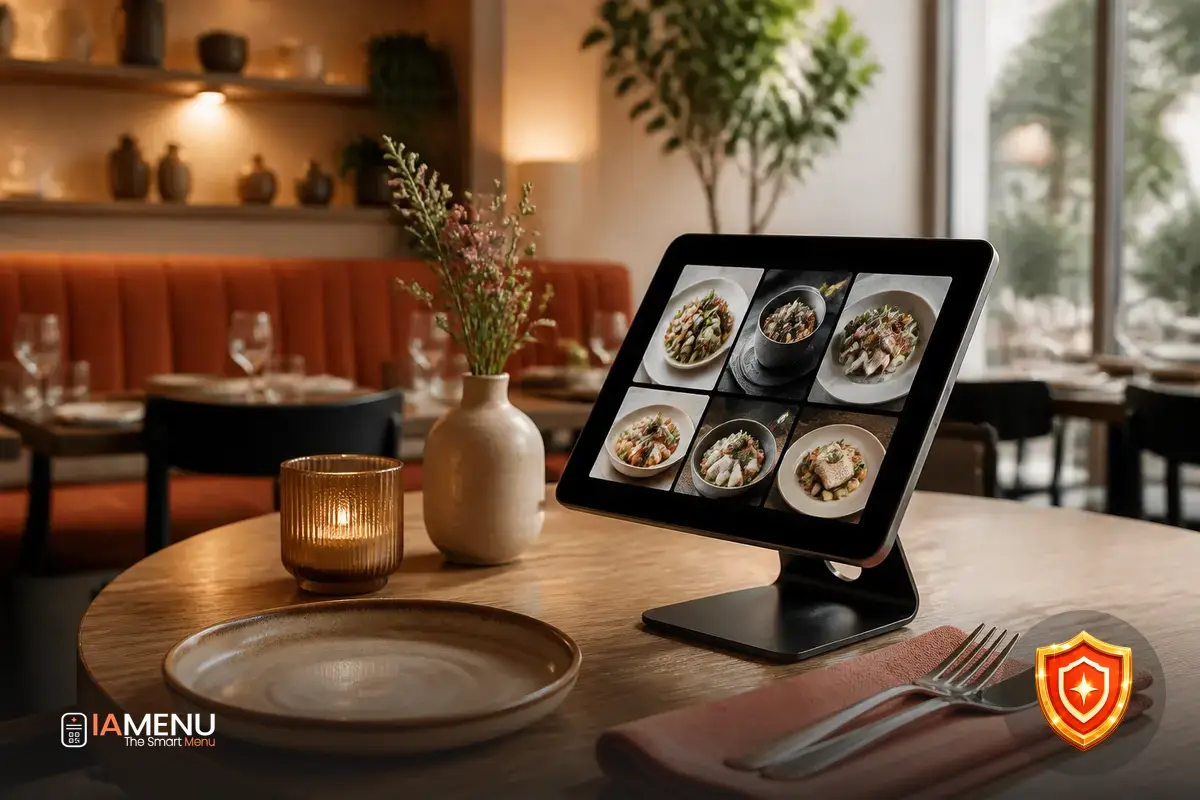
Choosing digital menu software in 2026 is not about finding the most attractive QR code. The real problem appears when a restaurant needs to change a price during service, remove an out-of-stock dish, correct an allergen, or help a foreign customer—and discovers that the tool does not make it easy. At that point, the menu stops being an operational resource and becomes another task on the to-do list.
This checklist is designed to help you compare options thoughtfully: commissions, data ownership, languages, automatic allergens, ordering, custom domains, and the ability to scale. The question is not just which software has the most features, but which one reduces work without locking you into a provider.
1. Start with the problem you want to solve
Before opening a comparison table, write down what is going wrong today. Perhaps your team loses an hour every time new menus are printed, customers cannot find ingredient information, or staff have to answer the same questions in five languages.
A digital menu can meet a basic need—displaying products and prices—or become an operational layer that connects menus, orders, reservations, recommendations, translations, and behavioral data. Both options are valid, but they do not require the same setup time or offer the same room for improvement.
Example: define the cost of the problem
A restaurant that updates its menu twice a month and needs 90 minutes per update loses 36 hours a year. If it also spends 20 minutes every day answering repeated questions about ingredients and translations, the problem exceeds 120 hours annually.
That calculation changes the comparison: you are no longer choosing only a PDF viewer, but a tool that can give your team time back.
Make a list of essential, desirable, and unnecessary features. If you manage a bar with a stable menu, you may not need integrated ordering. If you run a hotel or a tourist restaurant, languages, a custom domain, and allergen information will probably carry more weight.
2. Review commissions and total cost, not just the subscription fee
The per-order commission is one of the points most easily overlooked. A tool may seem affordable until you discover that it applies a percentage to every sale, adds a payment fee, or charges for features you assumed were included. The relevant figure is how much money leaves your business in a normal month and during peak season.
Request a written explanation of all charges: order commission, payment processing, refund management, additional users, languages, POS integration, support, migration, and cancellation. Reading the starting price is not enough if the real cost depends on revenue.
Calculate the commission using your own numbers
Imagine €20,000 in monthly orders and a 3% commission. The cost would be €600 per month, or €7,200 per year, before taxes or additional charges. With €8,000 in monthly orders, the same rate would amount to €240 per month.
This is not a recommendation for a specific pricing structure; it is a way to discover how much each percentage affects your margin. Run the calculation for three scenarios: a slow month, a normal month, and a month at maximum occupancy.
You should also distinguish between a commission for using the channel and a commission for accepting card payments. If the provider does not separate these concepts, request sample settlement statements. To compare alternatives in an organized way, you can review IAMenu’s pricing and terms and ask what is included in each case.
3. Confirm who controls your data and your menu
Data ownership is not a technical detail. Your menu contains dish names, commercial recipes, prices, photographs, categories, opening hours, and decisions you have built over the years. If everything is locked inside a platform with no export option, changing providers can become an expensive migration.
Look for concrete answers to these questions: Can you export your products in a usable format? Do the images remain yours? Can you download statistics? What happens to customer data from people who have agreed to receive communications? How long does account deletion take? Are there fees for retrieving your information?
Clauses worth locating
- Portability: a genuine ability to export content and associated data.
- Access: roles for owners, managers, and staff without sharing a password.
- Data usage: an explanation of what the provider collects and how it uses it.
- Continuity: what happens to your URL, QR code, and content if you cancel the service.
- Backups: frequency, recovery, and responsibility in the event of errors.
A good sign is when the provider responds with clear documentation rather than vague statements such as “your data is secure.” Also review how personal data is handled, especially if you collect reservations, contact requests, or customer preferences.
4. Evaluate languages with a real test
Translating a menu is not simply a matter of automatically replacing words. “Carrillera,” “torrija,” “ración,” “punto de la carne,” or a house sauce require culinary context. A literal translation may sound strange, hide ingredients, or prevent a customer from understanding the portion size and preparation.
Ask for a demonstration using five real dishes: one simple dish, one regional dish, one with several ingredients, one drink, and one dessert. Check whether you can edit the translation, keep the original name when appropriate, and publish one language without altering the main version.
The 15-minute test
Select 10 products and request versions in two languages. Measure how long it takes to review names, descriptions, and allergens. If you need 15 minutes for 10 dishes, a menu with 120 products would require approximately 3 hours of review per language, not including photos or changes.
The goal is not to publish without supervision; it is to find out whether AI speeds up the work or simply moves it to another screen.
If international translation is a priority, compare specific capabilities rather than just the number of advertised languages. The comparison of AI menu translation software helps you distinguish automatic translation, human review, and multilingual management.
5. Check how it manages automatic allergens
Allergen information should not depend on copying and pasting a generic list. The tool should connect ingredients and dishes, display the information clearly, and allow the person in charge to review each result. Detection should account for international contexts: the needs of a restaurant in Europe are not identical to those of one in the United States, Japan, Canada, or Australia.
Ask how the data is updated when you change a recipe or supplier. Also ask whether the system distinguishes between a main ingredient, a sauce, a side dish, and possible cross-contamination. Automatic allergens can help you work more effectively, but they do not replace restaurant validation.
Safety checklist for the demo
- Enter a dish with an industrially produced sauce and check whether you can detail its ingredients.
- Change an ingredient and verify whether the information updates across all translations.
- Check whether the system lets you add a note about cross-contamination.
- Make sure customers can find the information before ordering, not afterward.
- Confirm who validates the final content and when the change is recorded.
If this feature is critical for your business, review the comparison of AI allergen software for menus. And do not confuse a decorative label with useful information: customers need to understand what a dish contains, and your team must be able to keep it up to date.
6. Decide whether you need ordering, reservations, or POS integration
Not every digital menu needs to become an ordering system. The decision depends on your service model. In a counter-service café, a QR code that displays the menu may be enough. In a restaurant with a terrace, multiple shifts, and high volume, ordering from the table can reduce walking and communication errors.
POS integration can prevent staff from entering the same order twice, but it adds requirements: product synchronization, taxes, modifiers, inventory, printers, and kitchen statuses. If the connection fails, you need to know the backup plan and who will resolve the issue.
Compare the complete workflow, not an isolated feature
Run a test with a table of four people, two modifiers, an out-of-stock dish, and a special request. Time the process from scanning the QR code to the order reaching the kitchen. Repeat the process with the POS connection disabled to see what happens.
If the manual workflow takes 6 minutes and the digital one takes 2, the savings may be significant during a service with 80 tables. If the screen confuses customers and generates calls to the server, the technology is shifting the cost instead of eliminating it.
To compare solutions aimed at this use case, review the guide to AI-powered QR ordering systems. If you need reservations more than ordering, use a specialized tool and make sure the workflow does not duplicate availability across channels.
7. Demand a custom domain, speed, and brand control
The QR code is only the entry point. The page it opens should load quickly, work well on mobile, and make it clear which restaurant is serving the customer. A long address containing the provider’s name may be enough to get started, but a custom domain offers greater control and continuity.
Ask whether you can connect your domain, keep it when changing providers, and configure redirects. Also check whether the template allows you to use your colors, fonts, and photographs without turning the menu into an advertisement for the platform. Your brand should be recognizable from the very first second.
Technical test before signing
- Scan the QR code with an older phone and a standard 4G connection.
- Open the menu in portrait mode, search for a dish, and go back without losing your place.
- Check that the content is easy to read with low brightness and without downloading an app.
- Verify that the domain, favicon, and metadata correspond to your business.
- Test the link from Google and from a social media post.
An AI-powered menu like IAMenu can help you maintain a dynamic, multilingual menu, but the final experience must be measured on the customer’s device, not just in a sales presentation.
8. Measure what happens after the scan
A digital menu without analytics tells you how many dishes you have published, but not how customers behave. You need to know how many scans each location receives, which categories are viewed, where customers drop off, and which links generate actions. You do not need to turn the restaurant into a data laboratory: a few well-chosen metrics are enough.
As a starting point, review scans, approximate users, most-visited dishes, clicks on order or reservation buttons, selected language, and performance by QR code. Make sure the statistics respect privacy and that you can export the data to analyze it alongside sales and occupancy.
An example of useful analysis
If a terrace records 900 scans in one month but only 90 clicks on the reservation button, the workflow conversion rate is 10%. That figure alone does not explain the problem: perhaps the button is hidden, opening hours are missing, or the customer wants to order rather than make a reservation.
Analytics helps you ask questions and improve the menu. It is not meant to decorate a dashboard with metrics that nobody reviews.
You can also connect the menu to subsequent actions, such as requesting a review at the right moment without hiding the public link based on the rating. The goal is to make it easy for customers to leave an honest opinion while the experience is still fresh—not to promise automations the provider does not yet offer.
9. Make a final comparison with a weighted matrix
When three tools seem similar, a decision matrix prevents you from choosing based on a flashy demo. Assign a score from 1 to 5 and a weight according to its importance to your business. Do not give “design” and “data ownership” equal importance if poor portability could block your operations.
Evaluation template
- Total cost and commissions — 20%: calculate three revenue scenarios.
- Editing and speed — 15%: measure a price change and marking a dish as out of stock.
- Data and portability — 15%: request a test export.
- Languages — 15%: review ten gastronomically complex dishes.
- Automatic allergens — 15%: validate ingredients, sauces, and changes.
- Ordering or reservations — 10%: simulate the complete workflow with issues.
- Domain, branding, and analytics — 10%: test mobile, URL, and statistics.
The score does not replace the contractual conversation. Before deciding, request a test using your own menu, confirm what happens when you cancel, and ask how long support takes to respond during service. If the company does not allow you to validate critical features, treat that as a warning sign.
To expand the comparison based on your needs, you can review the analysis of AI-powered QR menus, the guide to the best AI-powered digital menu, or the comparison of AI assistants for menus. This lets you compare each category using its own criteria rather than relying on a generic feature list.
Frequently asked questions
These are the questions that come up most often when comparing digital menu software in 2026. Use them as a quick list during the demo and request written answers whenever they concern data, commissions, or compliance.
What should good digital menu software include in 2026?
It should let you edit the menu quickly, display automatic allergens, work in multiple languages, measure usage, and support ordering or reservations if the business needs them. It is also worth checking who owns the data and whether you can use a custom domain.
Is a digital menu with a per-order commission better than one with a fixed cost?
It depends on the volume and type of orders. A 3% commission on €20,000 in monthly orders amounts to €600 before taxes, while a fixed cost may be more predictable. Always compare the total cost, not just the visible subscription fee.
Who owns the data in a QR menu?
This should be clear in the contract and the service terms. The restaurant should be able to access and export its menus, products, images, statistics, and authorized contacts without being locked in when changing providers.
How many languages should a digital menu support for a restaurant?
There is no universal number: it depends on your customer profile and location. At a minimum, the software should let you translate the menu with culinary context, review the result, and expand to more than 50 languages if you receive international tourists.
How can you check whether the allergens in a digital menu are reliable?
Look for an automatic allergen feature that analyzes ingredients and lets you review each dish before publishing. The tool helps identify relevant information across different markets, but the restaurant must validate recipes, cross-contamination, and supplier changes.
Does a digital menu need to integrate with the POS?
Not always. Integration can save work when there are many orders, but a small restaurant can start with an independent digital menu. What matters is understanding which processes it automates and which data it synchronizes.
What are the benefits of using a custom domain for a digital menu?
A custom domain strengthens your brand, makes the address easier for customers to remember, and reduces dependence on a provider’s URL. It also helps maintain a more consistent digital presence if you change software in the future.
How can you tell whether digital menu software charges hidden commissions?
Ask for the complete cost in writing: order commission, payments, language add-ons, users, integration, support, cancellation, and data export. Run a simulation using your monthly revenue and actual number of orders, not an ideal scenario.
How long should it take to change a digital menu?
A simple change, such as modifying a price or marking a dish as out of stock, should be published within minutes and from a mobile device. For a complete menu, the time depends on the number of products, photos, translations, and integrations, but the provider should offer import and bulk-editing tools.
The best choice is not the one with the most features, but the one that protects your data, reduces repetitive tasks, and adapts to your real operations. If you want to see how a menu with AI applied to these criteria works, explore IAMenu’s features and compare them with your checklist before making a decision.