Digital waiter ordering system: orders in under 20 seconds
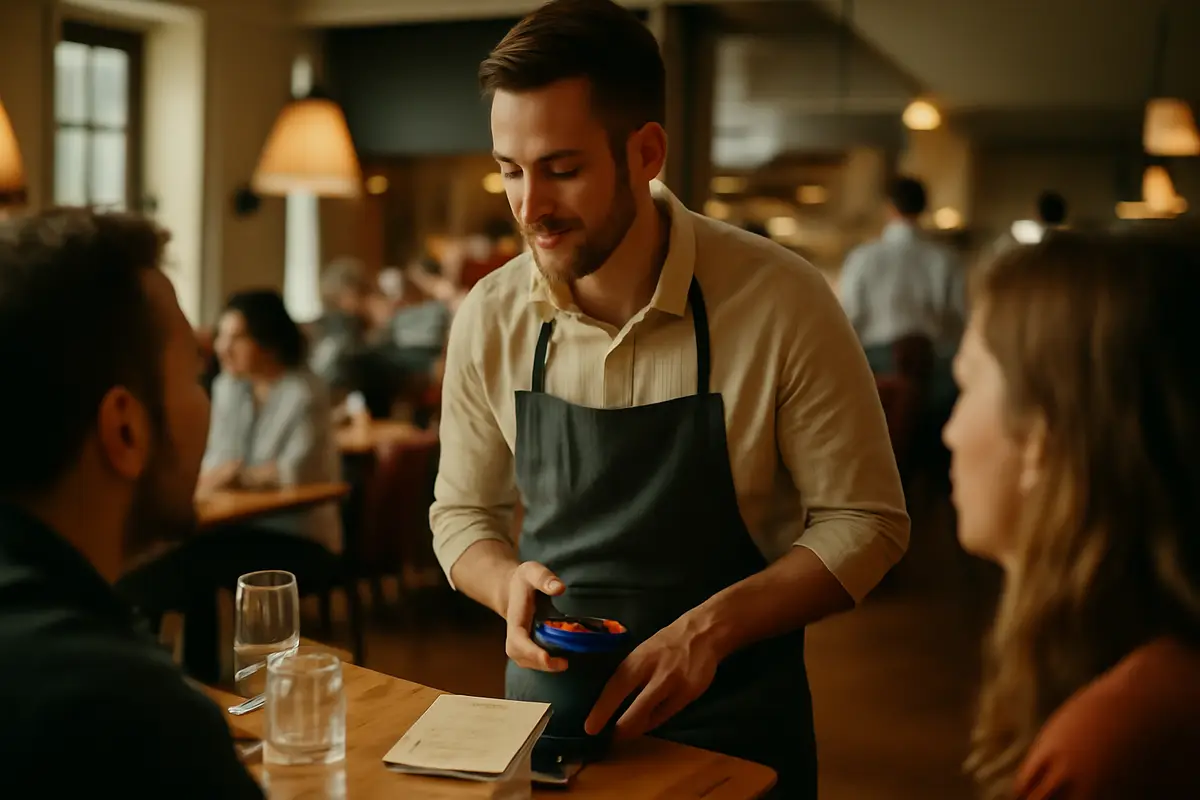
The problem isn’t just that a waiter takes too long to write down a table’s order. The real problem is everything that happens afterward: walking back to the POS, deciphering a quick note, correcting a wrongly sent dish, repeating a forgotten drink, and losing two or three minutes per table due to small discrepancies. A well-designed digital waiter ordering system tackles exactly that point: taking the order on a mobile device, sending it instantly, and doing so in under 20 seconds for simple orders, without relying on an expensive fixed POS or slow email-and-password logins.
What is a digital waiter ordering system and why does it matter?
A digital waiter ordering system is the tool waiters use on their mobile devices to record table orders, add modifications, send them to the kitchen or bar, and keep track of who took the order. In practice, it replaces three things at once: the notepad, the walk back to the terminal, and part of the friction associated with traditional POS systems.
The advantage isn’t simply “going digital” for the sake of it. It’s about reducing steps. If the waiter can ask, tap, confirm, and send the order from the same point of service, valuable seconds are eliminated from every interaction. Across a shift with 100 to 150 orders, that difference becomes a genuine operational improvement.
An often-overlooked operational insight
If a waiter saves 12 seconds per order and handles 120 orders a day, they free up 24 minutes daily. Over 30 days of service, that adds up to 12 hours recovered without hiring more staff or increasing pressure on the floor.
A good ordering system shouldn’t operate in isolation, either. It makes sense when it connects with the digital menu, allergen management, and the kitchen workflow. That’s why it’s worth reviewing not only the waiter’s screen, but the full set of functions available on the platform.
How it speeds up order taking to under 20 seconds
Getting under 20 seconds isn’t about “moving faster”; it’s about workflow design. When a waiter approaches a table, they need to see clear categories, frequently ordered products, visible modifiers, and a simple confirmation step. The fewer taps and screen changes, the better.
For simple orders—for example, a drink, a main course, and a dessert without complex changes—the process can be completed in 10 to 20 seconds. With longer orders, the time savings remain because dead time disappears: there’s no need to memorize the order or wait for access to a shared POS terminal.
Realistic example per table:
- Taking the order with a notepad: 25–40 s
- Walking to the POS and entering it: 35–70 s
- Typical total: 60–110 s
- With a mobile ordering system: order and submission in 15–35 s
When this is applied on a terrace, in a large dining room, or during peak hours, the difference becomes even more noticeable. The waiter doesn’t break the service rhythm every time they take an order. That has an impact on table turnover, customer perception, and the team’s mental workload.
Fewer order errors: where they happen and how to prevent them
Order errors usually don’t originate in the kitchen. They tend to start earlier: a rushed note, an ambiguous abbreviation, a modification that wasn’t sent, or a drink added “later.” A digital ordering system reduces precisely these mistakes by turning the order into structured data.
Instead of writing “burger no onion, medium,” the waiter selects the dish, marks “no onion,” and chooses the cooking preference. What the kitchen receives isn’t an interpretation—it’s the exact instruction. This difference reduces remakes, returns, and discounts resulting from issues.
The 4 most common errors it can reduce
- Wrong product due to unclear handwriting.
- Forgotten modifiers: “gluten-free,” “no sauce,” “extra ice.”
- Drinks or extras that never reach the bar.
- Duplicate orders caused by re-entering the order in another system.
How sensitive information is managed also matters here. If the restaurant handles allergies or intolerances, the value of centralizing data increases. Connecting orders with allergen information reduces critical errors and improves the team’s response to customer questions.
Avoiding expensive POS systems: a lighter, more practical alternative
Many businesses still associate digital order taking with purchasing several dedicated POS terminals. The problem is the cost: including hardware, installation, maintenance, and replacement, each station can cost between €800 and €1,500, without even counting issues or upgrades.
A digital waiter ordering system can run on existing mobile phones or simple devices, avoiding that initial investment. For businesses with tight margins, this difference matters: operations improve without tying up thousands of euros in fixed equipment.
Simple comparison of initial investment:
- 3 dedicated waiter POS terminals: €2,400 to €4,500
- 3 mobile phones or devices already available: €0 to €600
- Potential difference at launch: up to €3,900
This doesn’t mean giving up control. It means simplifying the point where orders are captured. If you also want to assess how well a solution fits your operations and budget, it’s worth comparing options on a pricing page before committing to closed hardware.
PIN access without email: faster for front-of-house staff
One of the most absurd barriers in hospitality operations is forcing staff to sign in with an email address, verify credentials, or recover passwords. During shifts with staff turnover, temporary reinforcements, or weekend workers, this only adds friction.
PIN access solves exactly this bottleneck. Each waiter enters with a short code, starts their shift within seconds, and is identified for every action. They don’t need a personal email address, activation links, or a long password that can be forgotten.
Why PINs work better in hospitality
Setting up a temporary waiter with an email address can take 5 to 10 minutes between account creation, validation, and access. With a PIN, operational setup can be ready in under 1 minute. In teams with frequent turnover, that makes a difference from the very first weekend.
A PIN also provides a useful balance between speed and control. You know who opened a table, who added an extra, and who closed an order, without turning access into a burdensome administrative task for management.
What waiters should see on screen to work quickly
Not every digital ordering system saves time. Some simply transfer the complexity of the POS to the mobile device. For waiters to genuinely work faster, the interface must follow the logic of service, not the logic of the software.
Several elements make a difference:
- Visible categories arranged according to sales frequency.
- Featured products based on time of day or type of service.
- Simple modifiers for extras, removals, and cooking preferences.
- Immediate confirmation that the order has been sent.
- Clear table view for adding more items without duplicating them.
Sign of poor configuration: if the waiter needs more than 6 to 8 taps to order a draft beer and a shared dish, the problem isn’t the device; it’s the workflow. Good design reduces decisions and makes real-service shortcuts visible.
When this logic is combined with a well-structured menu, the impact is multiplied. In fact, many businesses connect it with QR menus and front-of-house automations, as shown in use cases by business type.
Real savings per shift: time, incidents, and sales not lost
Talking about efficiency without numbers isn’t very useful. The savings from a digital ordering system usually appear in three areas: order-taking time, fewer errors, and less dependence on expensive hardware. All three add up.
Imagine a restaurant with 80 seats, two partial table turns during lunch, and an average of 120 orders per day. If the system saves 10 to 15 seconds per order and prevents 2 errors per day on an average ticket of €18, the monthly result is already noticeable.
Example of monthly impact
- Time saved: 20 to 30 minutes per day.
- Hours recovered per month: 10 to 15 hours.
- Errors avoided: 60 incidents per month if 2 are reduced per day.
- Value of sales not lost: €1,080 per month if each incident is worth an average of €18.
Of course, not all of that amount will become recovered margin. But it does reflect a tangible improvement in operations, satisfaction, and workload. And if the system connects with additional automations, such as integrations or service workflows, the effect can scale with tools like Conecta or with the IAMenu AI assistant.
Implementation in 1 day: how to do it without slowing down service
Team resistance almost always appears when implementation is handled poorly. If the change is announced as “yet another system,” there will be pushback. If it’s presented as a way to walk less, make fewer mistakes, and get started faster, adoption improves significantly.
A streamlined rollout usually follows these steps:
- Define the menu and essential modifiers.
- Arrange products according to the actual sales sequence.
- Create a PIN for each waiter.
- Run a test with 3 or 4 internal tables.
- Start with a controlled shift before the weekend.
Basic training shouldn’t take more than 15 to 30 minutes. If staff need half a day to learn the fundamentals, the system is probably overloaded. It’s also worth reviewing traceability requirements and internal processes on pages about compliance and operations to avoid later improvisation.
When is a digital ordering system most worthwhile in a restaurant?
Not every business experiences the same bottlenecks to the same extent. A mobile ordering system is most worthwhile in operations where tables are far from the terminal, on large terraces, during high-volume set-menu services, or in teams with frequent staff turnover.
It also makes a lot of sense when the venue doesn’t want to take on the cost of multiple POS terminals or when the manager needs more control without making staff access more complicated. If you currently rely on a notepad, an overloaded POS, or duplicated orders between the floor and the bar, there is already clear room for improvement.
It’s especially noticeable in:
- Terraces requiring a lot of walking.
- Venues with a single POS terminal shared by several waiters.
- Temporary or high-turnover teams.
- Menus with many modifications and extras.
- Services with intense 60- to 90-minute peaks.
If you want to compare which solution best fits your needs before implementing anything, this guide to the best AI digital menu in 2026 may help, as it examines practical criteria beyond simple order taking.
Frequently asked questions
Before implementing a digital waiter ordering system, these are the most common questions from restaurants, bars, and hotels. The answers will help you assess time, costs, and ease of use from an operational perspective.
What is a digital waiter ordering system?
It’s a tool that allows waiters to take orders from a mobile device and send them instantly to the kitchen or bar. It replaces the notepad and eliminates the need to return to a fixed POS terminal, reducing time and errors at every table.
How long does it take a waiter to take an order with a digital ordering system?
In well-configured operations, a simple order can be recorded in under 20 seconds. The key is having clear categories, visible modifiers, and immediate access without complicated login steps.
Does it really reduce order errors?
Yes, because it eliminates common problems such as illegible handwriting, misunderstood products, or forgotten changes. By sending the exact order from the mobile device, the team works with the same information in real time.
Do you need an expensive POS system to use a digital ordering system?
Not always. Many solutions work without installing dedicated terminals costing €800 to €1,500 per station, using staff mobile phones or simple devices with web access.
How does PIN access work for staff?
Each waiter enters with a short PIN, without relying on email or long passwords. This speeds up the setup of temporary staff and prevents login issues at the start of a shift.
Can it be used in small restaurants, or only in chains?
It can be used in both. In a small venue, it improves speed on the floor, while in operations with several waiters, it helps standardize orders and provides greater control by user.
What real savings can it generate in operations?
The savings usually come from three sources: fewer errors, less time per order, and less hardware. Saving 10 seconds across 120 daily orders frees up more than 20 minutes of useful work each day.
Does the team need complicated training?
It shouldn’t. If the interface is well designed, most staff can learn the basics in 15 to 30 minutes, especially when the workflow mirrors the real logic of front-of-house service.
Can it integrate with a digital menu, allergen information, or the kitchen?
Yes, and that’s one of its biggest advantages. When the ordering system shares data with the digital menu, allergen information, and kitchen printing or displays, duplicate entries and communication errors are reduced.
In short: if you want waiters to take orders faster, make fewer mistakes, and avoid depending on an expensive fixed POS system, a mobile ordering system is no longer a secondary improvement—it’s an operational decision. To see how it fits into a complete front-of-house and digital menu ecosystem, you can review all available features.