Manage Your Restaurant via WhatsApp with AI
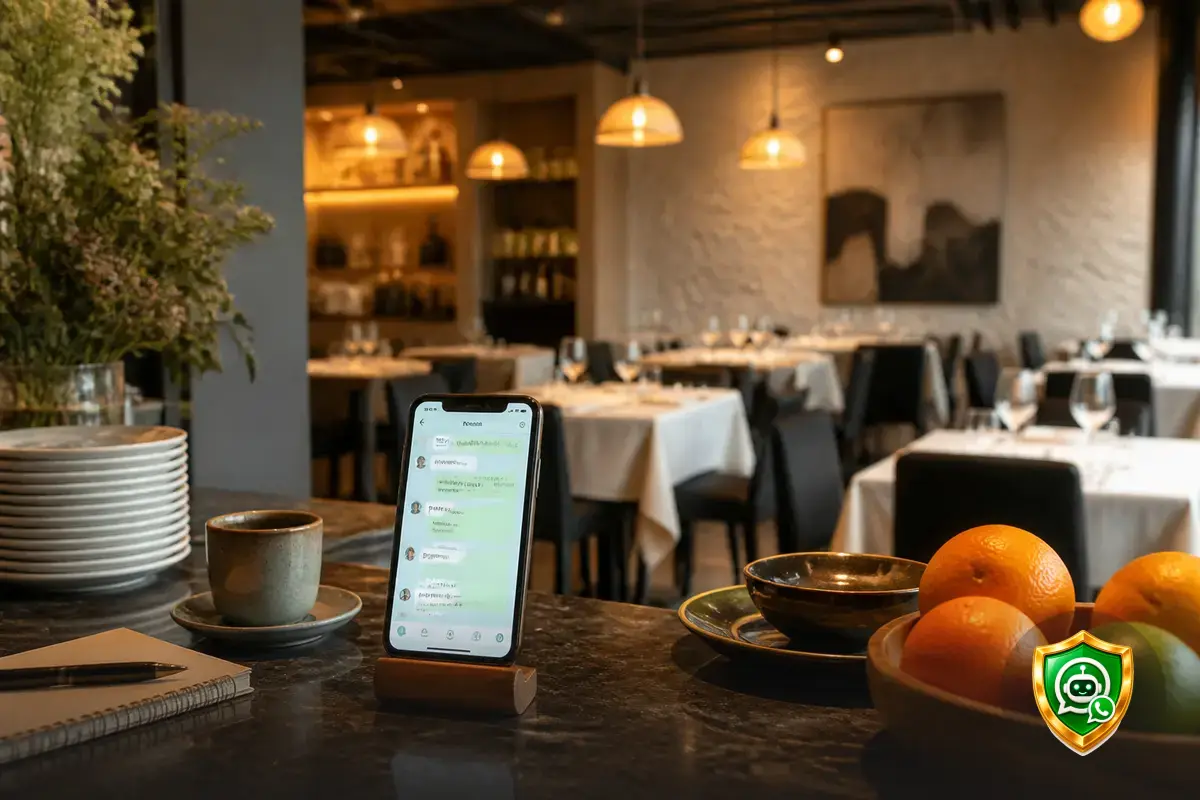
Manage your menu from WhatsApp without opening the app: send it a voice message or a photo and it takes care of it. With your AI assistant, you can manage your restaurant through WhatsApp from the same phone you use every day, whether you’re on the floor, in the kitchen, placing an order, or away from the restaurant.
Updating a price, creating a new dish, or changing an image shouldn’t force you to find a computer and stop what you’re doing. Now you can send an instruction through the chat you already have open all the time and keep your menu up to date in a more natural way.
Your AI assistant on WhatsApp
Your AI assistant on WhatsApp turns menu management into a conversation. Tell it what you need, send a voice message with the instructions, or share a photo of a dish. From there, it can apply the corresponding change to your digital menu.
The goal isn’t to add another task to your day, but to remove steps. You don’t have to remember where each option was or explain the change to someone else so they can do it later. You can take care of your menu whenever the need arises, directly from your phone.
One conversation to keep your menu up to date
- “Create a serving of ham croquettes for €9.50.”
- “Change the price of the set lunch menu to €14.90.”
- “Add this photo to the sea bass dish.”
- “Update the description of the cheesecake.”
Manage your restaurant through WhatsApp from anywhere
Restaurant management doesn’t happen only in front of a computer. Many decisions are made while checking deliveries, talking to the kitchen, organizing a shift, or checking which dishes are available. That’s why you can now make changes through the same channel you use to communicate throughout the day.
If a new product arrives, you can create the dish right away. If the price of an ingredient changes, you can adjust the dish price. If you take a more appealing photo, you can send it along with the dish name. Your menu evolves with you instead of staying on hold until you find the time.
This way of working complements all the possibilities offered by your digital menu. WhatsApp helps you request changes quickly, while the menu remains the place where your customers view the latest information.
What you can ask your AI assistant to do
You can use simple messages without learning commands or a special way of writing. The more specific your instruction, the easier it will be to apply the change you need in the right place.
- Create dishes: add a new dish with its name, price, and description.
- Modify prices: update the price of a dish, menu, or add-on.
- Edit information: change names, descriptions, and menu details.
- Upload images: send a photo to associate it with the corresponding dish.
- Adjust your menu: make common changes without opening the management panel.
- Work with voice messages: explain several changes out loud when typing isn’t the most convenient option.
You can also learn how this way of working fits with other tools, such as automatic allergen management or the general organization of your menu.
A real-life example
Imagine receiving a new seasonal dish in the morning. While you’re at the restaurant, you take a photo and send it through WhatsApp with a message like: “Add this dish as pork cheek, €16, with the description I’ll send you in the next voice message.”
Later, during service, you decide to change the price of a dessert. Instead of waiting until you’re back at the computer, you write: “Change the cheesecake price to €6.50.” Later on, you can request another update if the recipe or availability has changed.
Before and now
Before: remember the change, find a computer, open the menu management panel, and locate the dish.
Now: open WhatsApp, send a message, voice message, or photo, and request the update directly.
The result is a menu that’s more closely aligned with what’s actually happening in your restaurant. Seasonal dishes, price changes, and new images no longer have to wait for a weekly review.
More control, fewer interruptions
For restaurant owners, the main benefit is getting time back without losing control. You decide what you want to change and how to explain it. Your AI assistant takes care of turning that instruction into a menu update.
- Speed: act when you spot a need, rather than when you manage to sit down at a computer.
- Clarity: accompany an instruction with an image or explain several changes in a voice message.
- Consistency: keep your prices, dishes, and photos aligned with your current offering.
- Independence: manage your menu directly without relying on someone else for every modification.
And if you want to learn more about everything your assistant can do, visit the page about your AI assistant for restaurants. The WhatsApp conversation is a new way to work with your digital menu, designed to keep up with the real pace of your business.
Frequently asked questions
Here are the answers to the most common questions about managing your restaurant through WhatsApp.
What can I manage through WhatsApp in my restaurant?
You can create dishes, change prices, update descriptions, upload images, and adjust different elements of your menu using messages, voice messages, or photos.
Do I need to open the management panel to update my menu?
No. You can send instructions to your AI assistant through WhatsApp from the phone you normally use to manage your restaurant.
Can I send a photo of a dish?
Yes. You can send an image of a dish to add it to your menu, along with any instructions you need.
Does the AI assistant understand voice messages?
Yes. You can send a voice message with the changes you want to make and turn a routine management task into a conversation.
Do I need to change the way I work?
No. The AI assistant adapts to the way you request changes: you can write a message, send a voice message, or share a photo from WhatsApp.
Start managing your menu more directly: discover your AI assistant on WhatsApp.