QR Digital Menu: Complete Guide for Restaurants 2025
What Is a Digital Menu with QR Code?
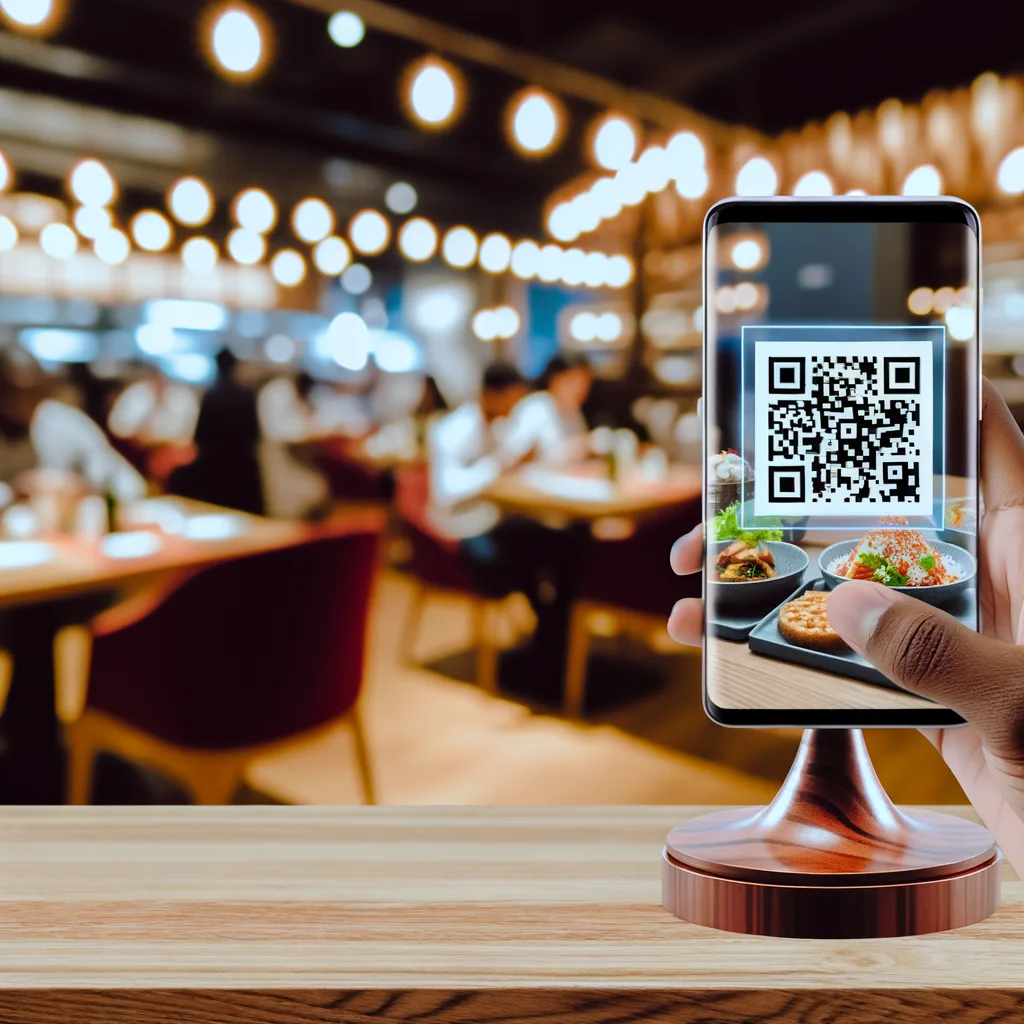
A QR digital menu is a restaurant menu accessible through a QR code. Guests scan it on a compatible device and open the current online menu in their browser.
Typical Flow:
- 1. Customer arrives at the table
- 2. Sees QR code on the table (printed or on a stand)
- 3. Opens mobile camera → Scans QR
- 4. Digital menu opens in the browser (no app installation required)
- 5. Navigates categories, views dish photos, reads descriptions
- 6. Decides what to order → Calls the waiter or places a digital order
Real Advantages of the QR Digital Menu
Instant Update
When an item sells out, you can update its availability in the online menu. Guests opening the QR link after the change can see the updated information.
With printed menus, the team must correct or reprint the affected copy.
Multilingual for Tourists
Guests can open a published menu version in a supported language. The available languages depend on your plan; any effect on orders needs actual measurement.
Multiple printed language versions require layout, printing and replacement when the menu changes; costs vary by restaurant.
Analytics: Which Dishes Get More Views
Menu analytics can show which products get views and which languages guests open; views alone do not prove a sale.
Decisions based on real data, not gut feelings.
Printing Savings
Printed menus cost money to produce and replace; the amount depends on material, quantity and design.
The same QR link can lead to a menu you update online; printing and software costs depend on the chosen setup.
Clear and Updated Allergens
Icons can present the 14 EU allergen groups when the restaurant has verified the dish information.
The restaurant still needs to check recipes, ingredients and allergen labels before publication.
Disadvantages and Solutions
Let's be honest - it also has disadvantages. But all have solutions:
Older customers don't know how to scan QR
Reality: Some guests need help scanning a code or prefer a printed menu. Adoption depends on your customer base.
Solution: Keep a few physical menus available and explain how to open the QR link.
Needs WiFi or mobile data
Reality: An online menu needs connectivity. Loading speed depends on signal, device, content and image sizes; no fixed file size or timing is guaranteed.
Solution: Offer guest WiFi where available and keep printed menus for connectivity problems.
Less "tactile experience" than a physical menu
Reality: True. A premium physical menu in a Michelin restaurant is part of the experience.
Solution: Hybrid. QR for daily menu/tapas. Premium physical for tasting menu. Best of both worlds.
Market Prices (Comparison 2025)
| Platform | Price/month | Languages | AI | Commissions |
|---|---|---|---|---|
| IAMenu | See current plans | 54-language catalogue; plan limits | AI-assisted | Check service fees |
| Gloriafood | Verify current plans | Check available languages | Verify current features | Check applicable fees |
| MenuLog | Verify current plans | Check available languages | Verify current features | Check applicable fees |
| QR Menu Maker | Verify current plans | Check available languages | Verify current features | Check applicable fees |
How to Create Your QR Digital Menu? (Step by Step)
Choose your digital menu software
There are many options. Criteria to consider:
- Do you need multilingual support? → Look for AI automatic translation
- Tourist area? → Check language options and limits for your plan
- Does the menu change often? → Mobile dashboard is critical
- Want photos but don't have them? → AI image generation
Register and create an account
Typical process: Enter your email, password and restaurant details. Time varies by setup.
IAMenu offers a 14-day trial without a credit card; complete the setup at your own pace.
Upload your menu
Option A: Create products one by one (categories → products)
Option B: Import from Excel/CSV (if the software allows)
Setup time depends on how much content you import, how many dishes need review and whether images are ready.
Generate your QR code
The software automatically generates the QR. You can customize:
- Colors (to match your branding)
- Logo in the center (optional)
- Print size: Make the code easy to scan and test it on several devices and under restaurant lighting
Print and place on tables
Presentation options:
- Table stand: A5-A6 size, QR + "Scan to view menu"
- Sticker on the table: Durable adhesive, discreet
- Wall sign: Restaurant entrance
- Physical backup card: For customers without a mobile
Basic QR Menu vs QR Menu with AI (Critical Differences)
Basic QR Menu
- • QR → Link to menu
- • You edit products manually
- • Languages: Manual one by one
- • Photos: You upload your own
- • Allergens: You select checkboxes
- • Price: Varies by provider and plan
May suit a short menu with only a few languages and no need for AI assistance.
QR Menu with AI (IAMenu)
- • QR → Automatic multilingual menu
- • AI drafts translations from a 54-language catalogue, subject to plan limits and review
- • AI can generate dish images that the restaurant checks before publication
- • AI suggests labels for 14 EU allergen groups, with restaurant verification
- • AI writes gastronomic descriptions
- • Price: See current IAMenu plans
Ideal if you have 50+ products, are in a tourist area, or want photos without a photographer.
Real ROI: When Is It Worth It?
Real Success Case:
Illustrative scenario, not a verified customer case: A pizzeria in a tourist area considering a QR menu.
Situation before:
- Guests sometimes need help reading menu details in an unfamiliar language
- A printed menu without photos gives fewer visual clues about dishes
- Printed prices need correction or reprinting after changes
After implementing the QR menu with AI:
- Publish checked menu versions in the languages the restaurant needs
- Review AI-generated dish images for accuracy before using them
- Update online prices without reprinting the QR code
- Review which dishes attract views and decide what to highlight
Possible benefits: clearer information and simpler menu maintenance. Sales and ROI require real restaurant measurements.
Do I Need Online Ordering or Just a Digital Menu?
It depends on your business model:
Just QR Menu (No Orders)
Ideal if:
- • Physical restaurant (no delivery)
- • Traditional table service
- • Priority: Clear information
- • Menu changes frequently
IAMenu: Just digital menu, no orders. Pure focus.
Menu + Online Orders
You need this if:
- • You offer delivery
- • Orders for pickup
- • You want online payments
- • Reduce floor staff
Platforms and payment providers may apply different fees; check the current terms for each option.
Trends 2025-2026
🤖 Real Integrated AI
Translation drafts, image suggestions and allergen assistance can help manage menus, with human checks before publication.
📊 Predictive Analytics
Menu views and other available analytics can guide editorial decisions; they do not establish conversion rates on their own.
🎨 Brand Customization
Use available themes and branding controls; verify customization options in your selected plan.
⭐ Smart Reviews
The public review link stays available to every guest regardless of rating. Private feedback is an additional channel, not a replacement for public reviews.
Frequently Asked Questions
What happens if the Internet goes down in my restaurant?
The online QR menu needs connectivity. Keep printed backup menus so guests can still read the options during an outage.
Can I have a physical menu AND a QR menu at the same time?
Yes, and it's common. Hybrid: Main QR (updatable) + 2-3 physical backups for customers who prefer paper. Best of both worlds.
Can the QR code be reused if I change the menu?
Yes. The printed QR can point to the same stable menu URL while you update the content online; verify the link if you change domains or menu addresses.
Does it work on any mobile?
Most modern phones can scan QR codes with a compatible camera or scanner. Guests without this option can use a printed menu or another device.
Conclusion: Is the QR Digital Menu Worth It in 2025?
Short answer: Yes, especially if you are in a tourist area.
A QR menu is a practical option for restaurants that regularly update dishes, offer multiple languages or want digital menu analytics. Its value depends on the restaurant and its guests.
AI assistance can reduce repetitive drafting, but setup still includes checking dish content, allergens, translations, images and the QR link.
Create Your QR Digital Menu Today
IAMenu offers QR menus with AI-assisted translations, image generation and allergen suggestions that the restaurant reviews. A 14-day trial is available.
Create My QR Menu for Free