QR Digital Menu: Complete Guide for Restaurants 2025
What Is a Digital Menu with QR Code?
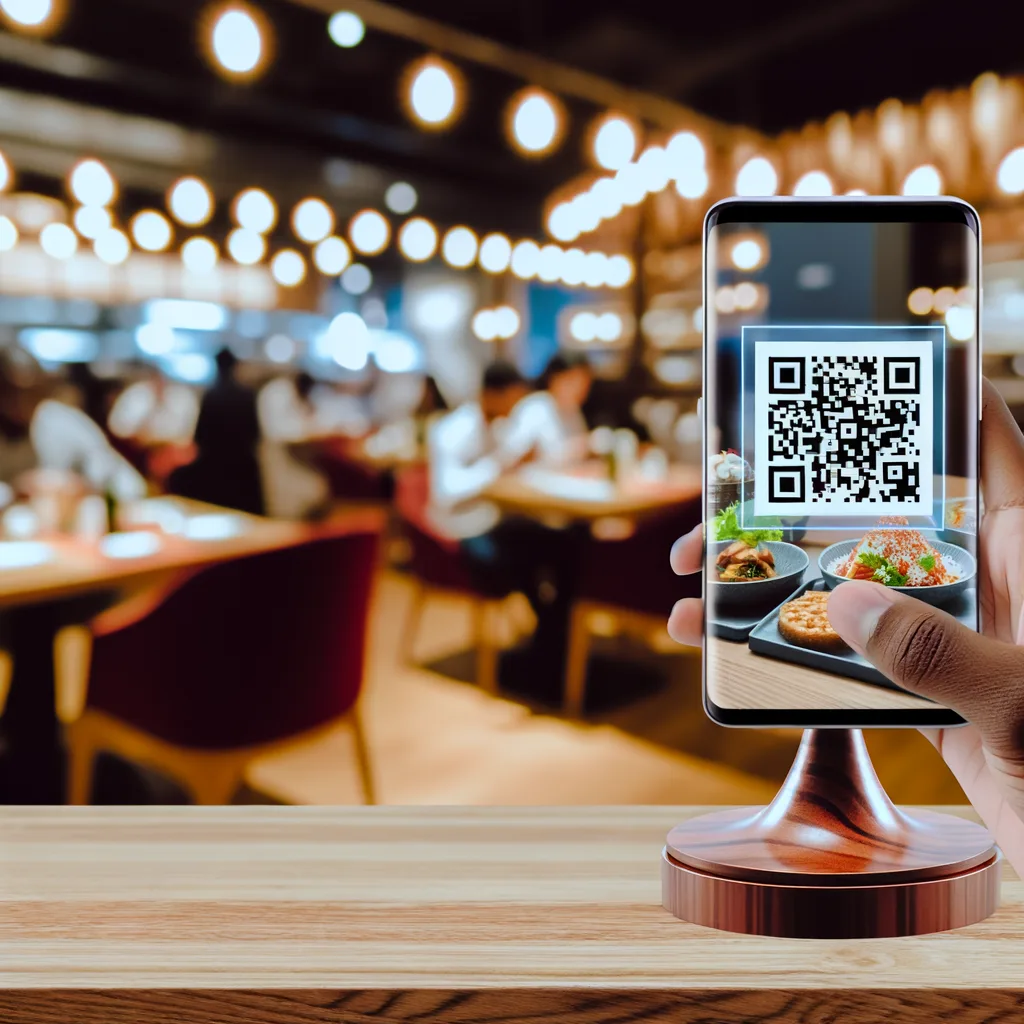
A QR digital menu is a restaurant menu accessible via a QR code that customers scan with their mobile devices. Instead of a physical paper menu, the customer views your menu on their phone.
Typical Flow:
- 1. Customer arrives at the table
- 2. Sees QR code on the table (printed or on a stand)
- 3. Opens mobile camera → Scans QR
- 4. Digital menu opens in the browser (no app installation required)
- 5. Navigates categories, views dish photos, reads descriptions
- 6. Decides what to order → Calls the waiter or places a digital order
Real Advantages of the QR Digital Menu
Instant Update
Is a dish sold out at 2:00 PM? You deactivate it in 5 seconds from your mobile. The customer who scans at 2:01 PM will no longer see it.
With a physical menu: The dish appears sold out until tomorrow. Annoyed customer.
Multilingual for Tourists
French, German, English tourists... Each reads in their language. Increases orders from international customers by 25-40%.
With a physical menu: Printing in 3-4 languages = €600-1,200. And it takes up space on the table.
Analytics: Which Dishes Sell More
You see which products have the most views, which languages your customers consult, peak scanning times.
Decisions based on real data, not gut feelings.
Printing Savings
A professional laminated physical menu: €5-15 per unit. If you have 20 tables × 2 menus = €200-600 initial + reprinting with each change.
QR menu: 1 printed code = €2. Unlimited free changes.
Clear and Updated Allergens
Visual icons of the 14 mandatory EU allergens. A German celiac tourist clearly sees what they can eat.
EU regulation compliance without effort.
Disadvantages and Solutions
Let's be honest - it also has disadvantages. But all have solutions:
Older customers don't know how to scan QR
Reality: Post-COVID 2023-2025, 85% of customers over 60 already know how to scan QR (hospitality studies in Spain).
Solution: Have 2-3 physical backup menus for exceptions. 95% use QR without issue.
Needs WiFi or mobile data
Reality: 95% of customers have mobile data. The digital menu weighs ~500KB (loads in 2-3 seconds with 4G).
Solution: Offer free restaurant WiFi. Enhances overall experience.
Less "tactile experience" than a physical menu
Reality: True. A premium physical menu in a Michelin restaurant is part of the experience.
Solution: Hybrid. QR for daily menu/tapas. Premium physical for tasting menu. Best of both worlds.
Market Prices (Comparison 2025)
| Platform | Price/month | Languages | AI | Commissions |
|---|---|---|---|---|
| IAMenu | €0-49 | 21 with AI | ✅ Real | 0% |
| Gloriafood | €29-59 | Manual | ❌ | 2-5% |
| MenuLog | €39-79 | Limited | ❌ | 0% |
| QR Menu Maker | €0-35 | Manual | ❌ | 0% |
How to Create Your QR Digital Menu? (Step by Step)
Choose your digital menu software
There are many options. Criteria to consider:
- Do you need multilingual support? → Look for AI automatic translation
- Tourist area? → Prioritize unlimited languages
- Does the menu change often? → Mobile dashboard is critical
- Want photos but don't have them? → AI image generation
Register and create an account
Typical process: Email, password, restaurant name. 2-3 minutes.
IAMenu: 3-step wizard, 5 minutes total. 14-day trial without credit card.
Upload your menu
Option A: Create products one by one (categories → products)
Option B: Import from Excel/CSV (if the software allows)
Average time for 50 products: 30-60 minutes the first time. With AI descriptions/images: Much faster.
Generate your QR code
The software automatically generates the QR. You can customize:
- Colors (to match your branding)
- Logo in the center (optional)
- Size (recommended: minimum 300x300px)
Print and place on tables
Presentation options:
- Table stand: A5-A6 size, QR + "Scan to view menu"
- Sticker on the table: Durable adhesive, discreet
- Wall sign: Restaurant entrance
- Physical backup card: For customers without a mobile
Basic QR Menu vs QR Menu with AI (Critical Differences)
Basic QR Menu
- • QR → Link to menu
- • You edit products manually
- • Languages: Manual one by one
- • Photos: You upload your own
- • Allergens: You select checkboxes
- • Price: €0-29/month
Sufficient if you have 20-30 products and 1-2 languages.
QR Menu with AI (IAMenu)
- • QR → Automatic multilingual menu
- • AI translates into 54 languages (5 seconds)
- • AI generates professional GPT Image photos
- • AI detects 14 EU allergens automatically
- • AI writes gastronomic descriptions
- • Price: €0-49/month
Ideal if you have 50+ products, are in a tourist area, or want photos without a photographer.
Real ROI: When Is It Worth It?
Real Success Case:
Restaurant: Pizzeria in central Barcelona (high tourist area)
Situation before:
- Menu only in Spanish → Tourists ordered by pointing at Google photos
- No photos in the physical menu → Many only ordered Margherita (the known one)
- Price changes → Wait 2 weeks to reprint (€400)
After implementing the QR menu with AI:
- Menu in 4 languages (ES, EN, FR, IT) → Tourists read comfortably
- GPT Image photos on each pizza → +40% orders for special pizzas
- Instant price changes → Savings of €400 per change
- Analytics: Discovered that Diávola is very popular with the English → They promote it
Result: +32% average ticket in 3 months. ROI: 800%
Do I Need Online Ordering or Just a Digital Menu?
It depends on your business model:
Just QR Menu (No Orders)
Ideal if:
- • Physical restaurant (no delivery)
- • Traditional table service
- • Priority: Clear information
- • Menu changes frequently
IAMenu: Just digital menu, no orders. Pure focus.
Menu + Online Orders
You need this if:
- • You offer delivery
- • Orders for pickup
- • You want online payments
- • Reduce floor staff
Platforms: Gloriafood, Just Eat (but they charge commissions of 2-5%)
Trends 2025-2026
🤖 Real Integrated AI
Translation, images, automatic allergens. It's no longer the future, it's now. Those who adopt early will have a competitive advantage.
📊 Predictive Analytics
AI suggests: "Tiramisu 58% conversion vs 15% average → Promote it more". Automatic decisions based on data.
🎨 Extreme Personalization
Custom themes generated by AI from a prompt: "Elegant Japanese restaurant, I like brick red" → AI generates a complete palette.
⭐ Smart Reviews
Customer gives less than 5⭐ → Goes to internal review (not Google). 5⭐ → Redirect to Google Reviews. Protects online reputation.
Frequently Asked Questions
What happens if the Internet goes down in my restaurant?
The QR menu needs a connection to load. Solution: Have 2-3 physical backup menus. In 5 years of experience, internet outages are rare and short (minutes, not hours).
Can I have a physical menu AND a QR menu at the same time?
Yes, and it's common. Hybrid: Main QR (updatable) + 2-3 physical backups for customers who prefer paper. Best of both worlds.
Can the QR code be reused if I change the menu?
Yes. The QR always points to the same URL, but the menu content changes. You print the QR once, update the menu 1000 times. The customer always sees the current version.
Does it work on any mobile?
Yes. All smartphones from 2018+ can scan QR with the native camera (no app). iOS and Android. Works on 99% of current mobiles.
Conclusion: Is the QR Digital Menu Worth It in 2025?
Short answer: Yes, especially if you are in a tourist area.
The digital menu with QR is not a passing trend - it is the industry standard. The advantages (instant updates, multilingual support, printing savings, analytics) outweigh the minor disadvantages.
And with integrated AI (automatic translation, allergen detection, image generation), the setup that used to take weeks now takes 5 minutes.
Create Your QR Digital Menu Today
IAMenu: Digital menu software with automatic AI translation, GPT Image photos, and allergen detection. 14 days free.
Create My QR Menu for Free