Digital Menu for Cafés and Bakeries: How to Improve Sales and Experience
mdx
TL;DR: a digital menu for cafes, coffee shops, and bakeries is not just about putting a PDF in a QR code. When well thought out, it helps to better showcase the offerings, update prices and products in minutes, highlight allergens, boost cross-selling, and reduce friction during peak hours.
In this article, you will see what an effective digital menu should include, how to adapt it to the actual consumption of a café, and what mistakes to avoid to make it useful for both the customer and the team.
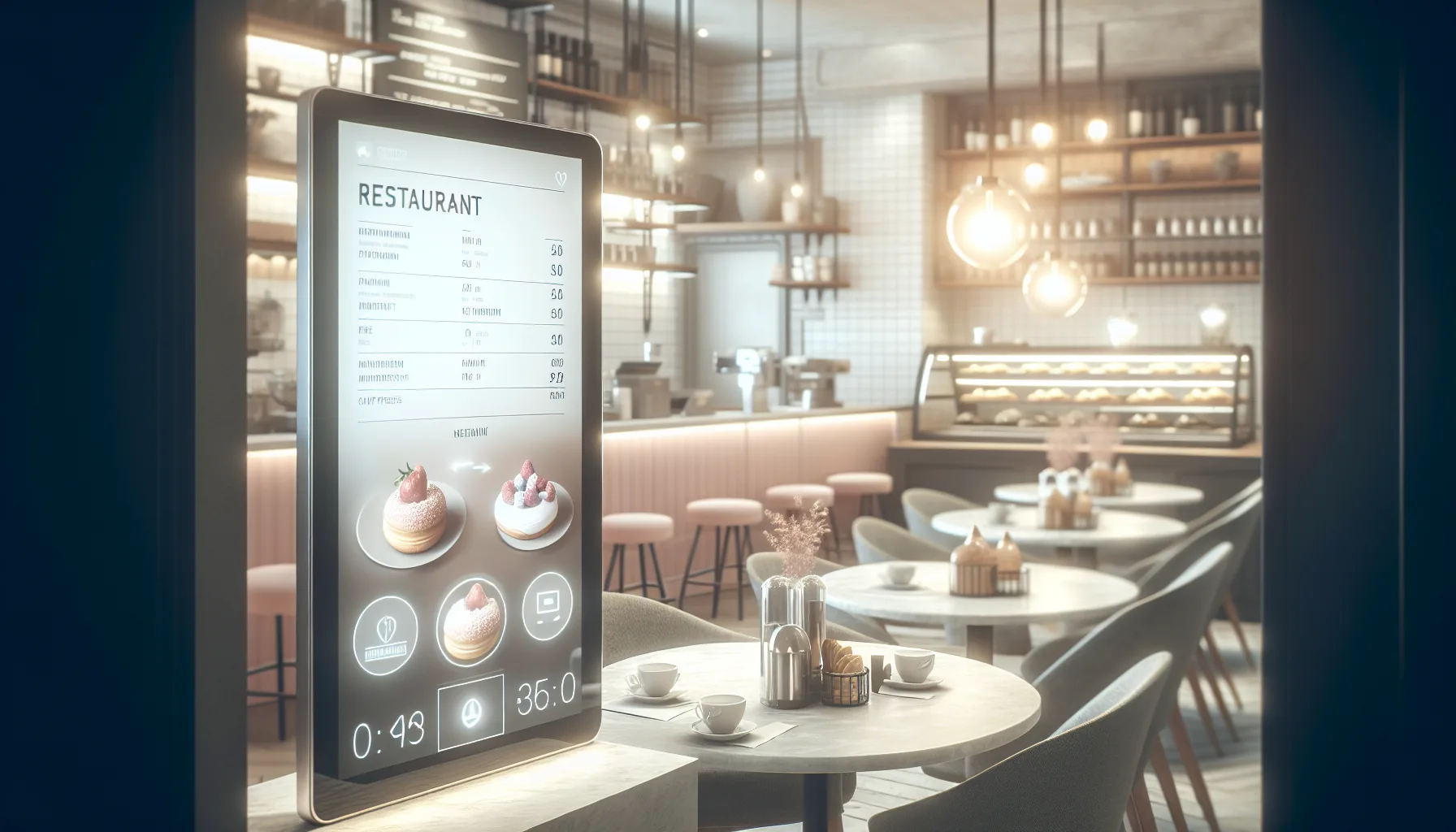
The modern café competes on several fronts at the same time: coffee quality, service speed, brand image, table turnover, and clarity of information. In this context, the digital menu for cafes, coffee shops, and bakeries has become a practical tool to organize the offerings and make them easier to consume.
A customer coming in for breakfast behaves differently than someone ordering a coffee to go mid-morning or someone looking for an afternoon snack with pastries and specific allergen-free options. Therefore, a well-structured digital menu must quickly answer very specific questions: what coffees are available, what sizes exist, what alternative milk is offered, what pastry items are still available, which products contain gluten, nuts, or lactose, and what extras or recommended combinations are there.
Additionally, the digital format fits particularly well in businesses with daily product turnover. Many cafés and bakeries change displays, daily preparations, breakfast packs, or availability of slice cakes. Updating a printed menu every time there are changes takes time, costs, and can lead to errors. In contrast, a digital solution allows for reactions in minutes and keeps the information aligned with the actual operation.
If you are considering implementing a digital menu, it is advisable to think of it as a commercial and operational tool, not just an aesthetic one. And if you want to understand what functionalities usually make a difference in day-to-day operations, you can check the available features for digital menus and compare them with what your establishment needs.
What a digital menu for cafes, coffee shops, and bakeries should include
Not all digital menus work the same way. In a café, the key is quick readability. Customers usually decide in a short time and often from their mobile devices, standing or while waiting in line. This necessitates simplifying navigation and presenting information with a clear hierarchy.
A common and effective structure divides the menu into blocks such as coffees, cold drinks, teas and infusions, breakfasts, pastries, savory options, and extras. This order reduces mental load and helps find what one is looking for more quickly. It also allows for highlighting higher-margin products, such as coffee combos with pastry items, toppings, plant-based milks, or seasonal specialties.
A good digital menu for cafés should include, at a minimum:
- Clear product name and visible category.
- Updated price that is easy to locate.
- Brief description, without excessive text.
- Information on sizes, extras, and variants.
- Visible allergens in pastry and kitchen products.
- Photos only when they add value and maintain visual coherence.
- Out-of-stock products or temporary options that can be updated instantly.
In the case of coffee, it is advisable to avoid generic descriptions. An espresso, a flat white, a cappuccino, or a filter coffee are not the same. If the establishment serves specialty coffee, the origin, process, or tasting notes can be useful, but they should be presented concisely. If the general customer is the main audience, the priority is to explain simply what they will receive in their cup.
In pastries, the digital menu adds even more value because the decision is often visual and sensitive to ingredients. Cakes, cookies, filled croissants, brownies, or daily cakes need a clear presentation, but also a precise indication of allergens. At this point, consulting a specific guide on allergen management in menus helps reduce errors and provide safer information to the customer.
Practical idea: in cafés, it works very well to separate “The usual” from “Specialties” and “Seasonal.” This organization accelerates repeat purchases and, at the same time, leaves room for products that increase the average ticket.
QR digital menu for cafés: speed, instant changes, and less friction
Access via QR has become established because it eliminates unnecessary steps. The customer scans, consults, and decides. In a business with demand peaks, like a café during breakfast or snack time, this detail has a real impact. The less time staff spends explaining prices, variants, or availability, the more focus they can put on preparing orders and providing better service.
The main advantage is not technological, but operational. A QR digital menu allows for changing prices, hiding out-of-stock products, adding a cake of the day, or launching a temporary promotion without reprinting anything. In businesses where the offerings change daily, this reduces mismatches between what is displayed and what is actually available.
It also improves consistency. If you have several tables, a bar area, and a display case, the same link can centralize all the information. This avoids different versions of the same menu or outdated photos circulating among regular customers. If you are comparing formats, you can see how a QR digital menu for hospitality works and assess if it fits your service flow.
- Immediate updates of prices, availability, and daily products.
- Less dependence on deteriorated or outdated printed menus.
- Quick access from table, bar, display case, or showcase.
- More space to explain extras, sizes, and allergens without cluttering the design.
However, it’s not enough to just generate a QR code. If scanning opens a heavy PDF, poorly adapted for mobile or hard to read, the experience worsens. The menu must load quickly, look good on small screens, and allow navigation without pinching or zooming. In a café, where many decisions are impulsive and quick, every second counts.
Another important point is the physical placement of the QR code. It should be visible on the table, bar, or display, but also accompanied by a clear call to action: “View menu,” “Check breakfasts,” “See coffees and pastries,” or “Check allergens.” A code without context is scanned less.
Allergens in cafés and bakeries: why clear information is key
In cafés and bakeries, allergen management is not a minor detail. There is frequent presence of gluten, eggs, milk, soy, nuts, sesame, and, in some products, sulfites or peanuts. Additionally, the offerings change a lot: slice cakes, fillings, toppings, sauces, breads, quiches, or artisan cookies. This means that the information must be reviewed regularly.
In the European Union, Regulation (EU) No. 1169/2011 establishes the obligation to inform about 14 allergens that must be declared in food. In Spain, this information must also be provided in hospitality and non-packaged sales. For a café, a well-structured digital menu helps to better comply with this requirement, as it allows for updating ingredients and displaying warnings in an orderly manner.
The 14 allergens that must be declared in the EU are:
- Gluten-containing cereals.
- Crustaceans.
- Eggs.
- Fish.
- Peanuts.
- Soy.
- Milk.
- Nuts.
- Celery.
- Mustard.
- Sesame seeds.
- Sulfur dioxide and sulfites.
- Lupins.
- Mollusks.
In a bakery, for example, a single display case may include items made with wheat flour, butter, almonds, hazelnuts, pistachios, or pastry cream. If only one person on the team knows this information, the operational risk is high. The digital menu acts as a central point of reference and reduces improvisation.
Still, it is important to differentiate between ingredient information and cross-contamination risk. If multiple allergens are handled in the workshop or kitchen, it should be clearly indicated when total absence cannot be guaranteed. Transparency generates more trust than promising absolute safety without real basis.
Good practices for displaying allergens in a café digital menu:
- Indicate allergens by product, not just in a general note.
- Review technical sheets and recipes every time a supplier or ingredient changes.
- Clearly indicate gluten-free or lactose-free options, avoiding ambiguous claims.
- Include warnings about possible cross-contamination when applicable.
In this area, a well-organized digital solution greatly facilitates the work. IAMenu, for example, is specifically designed to make menu and allergen information more accessible and easy to maintain without relying on constant redesigns.
How a digital menu can increase the average ticket in a café
A digital menu not only informs: it can also sell better. In cafés, much of the growth in the average ticket comes from small decisions: upgrading to a large size, adding plant-based milk, adding a cookie, choosing a breakfast combo, or trying a seasonal specialty.
The problem with many traditional menus is that they bury these options in plain text or leave them to the discretion of the staff. When the establishment is full, verbal recommendations decrease. In contrast, a well-designed digital menu can present those combinations consistently, without depending on the moment or workload.
Some actions that usually work well in cafés:
- Highlight breakfast or snack packs with a fixed price.
- Show extras alongside the main product, not hidden at the end.
- Create a visible section for “favorites” or “most ordered.”
- Give prominence to seasonal products: pumpkin spice, special hot chocolate, roscón, torrijas, or summer frappés.
- Present pastries according to consumption moments: quick breakfast, brunch, snack, take away.
Photography also plays a significant role. In pastries and baked goods, a well-taken image can elevate conversion, but only if it accurately represents the product. Uneven, dark, or low-quality photos generate the opposite effect. If you cannot maintain a consistent visual line, it is better to use fewer images and prioritize clarity.
Another useful resource is language. Instead of long descriptions, short and concrete phrases work better: “butter croissant filled with pistachio cream,” “creamy cheesecake with a cookie base,” “Ethiopian origin filter coffee with floral notes.” The description should whet the appetite and resolve doubts, not become a block that is hard to read.
When the digital menu is well thought out, the customer perceives more options without feeling overwhelmed. This balance ultimately improves sales. It’s not about adding more products, but about making the ones that already add value to the business more visible.
Design and mobile experience: what differentiates a useful menu from one that no one consults
A digital menu for cafés must be designed with mobile in mind from the start. According to Statcounter data, mobile traffic has been representing more than half of global web browsing for years, so assuming that most queries will be made from smartphones is not a gamble, but a reality.
This implies readable fonts, clear buttons, categories easy to tap with a finger, and a clean visual structure. The customer does not want to explore a complex website: they want to know in seconds what coffees, toasts, or cakes are available and how much they cost. Navigation should be almost invisible.
Signs that a digital menu is well designed:
- Loads quickly even with a normal mobile connection.
- Text is legible without zooming.
- Clear categories from the first screen.
- Visible and consistent prices.
- Allergens and variants are easy to find.
- Design is coherent with the identity of the establishment.
In cafés, moreover, the visual tone matters a lot. The customer associates the design of the menu with the perceived quality of the space. A well-maintained establishment with a confusing digital menu creates a break in the experience. In contrast, when branding, photography, product names, and structure are aligned, the perception of professionalism increases.
It is also advisable to avoid some common mistakes: using too many colors, overusing capital letters, mixing photo styles, writing very long descriptions, or hiding prices. In a daily environment like a café, clarity sells more than excess creativity.
If the goal is to implement a digital menu that the team can update without complications, the ideal is to choose a solution that combines ease of editing with good visual results. That is where much of the real value of tools like IAMenu lies: making the menu useful in daily operations, not just pretty in a demo.
Common mistakes when creating a digital menu for cafés and how to avoid them
Many cafés take the step to digital, but do not always achieve results because they replicate errors from the printed format or improvise the structure. Here are some of the most common mistakes.
- Using a PDF as the only solution. It may serve temporarily, but it usually offers worse readability on mobile and less flexibility for changes.
- Not updating out-of-stock items or changes in displays. This generates frustration and loses credibility.
- Hiding allergens or leaving them only “by asking the staff.” The information must be accessible and verifiable.
- Creating too many categories or confusing names. The customer needs quick guidance, not to explore a complex catalog.
- Not taking advantage of cross-selling opportunities between coffee, pastries, and breakfasts.
The way to avoid these mistakes is to start from the actual behavior of the customer. Observe how they order, what they doubt the most, which products run out first, what questions the team repeats, and what combinations come up frequently. The digital menu should respond to those patterns.
A good approach is to review the menu periodically with specific criteria: products that are left over, categories that are not understood, photos that do not accurately represent the offering, descriptions that can be improved, and allergens pending validation. The menu is not a static document; it is a living tool.
Quick checklist before publishing your digital menu:
- Is it understood in less than 10 seconds what your café offers?
- Are the prices and sizes clear?
- Are the allergens visible and reviewed?
- Does the menu load well on mobile?
- Are there highlighted products or combos that help sell better?
Frequently asked questions about digital menus for cafés, coffee shops, and bakeries
Does a digital menu completely replace the printed menu?
Not necessarily. Many cafés combine both formats: a digital menu for quick updates and a summarized physical menu for certain customers or areas of the establishment. The important thing is that the digital version is the most up-to-date reference.
Which products should be prioritized in a café?
It is common to prioritize the most demanded coffees, breakfasts, main pastries, and distinctive products of the establishment. After that, it is advisable to give visibility to combos, specialties, and seasonal products to increase the average ticket.
Is it mandatory to display allergens in a café?
Yes, information about allergens that must be declared in foods must be provided, also in hospitality and non-packaged sales. The digital menu is a very useful format for doing this clearly and in an updatable manner.
Does a QR code with a PDF count as a digital menu?
Technically, it can function as digital access, but it is usually not the best experience. A menu adapted for mobile, editable, and structured by categories is much more practical for cafés with frequent changes.
How can a digital menu help sell more in a bakery?
It allows for highlighting visual products, suggesting combinations with coffee, pointing out new items, better organizing the display case, and making extras or packs visible. All of this influences the purchasing decision and the average order value.
The best digital menu for cafés, coffee shops, and bakeries is one that simplifies the customer's decision and facilitates the team's operations at the same time. If it offers clear navigation, updates quickly, reliably displays allergens, and helps highlight profitable products, it stops being just a support and becomes a real business tool.
In a café, where the pace changes by time slots and the offerings can vary each day, that agility makes a tangible difference. Technology here should not complicate but organize. And when the menu is well thought out, it shows in the experience, in brand perception, and in the ability to sell better without forcing the sale.
If you are considering taking that step, start with the essentials: clear structure, mobile-first, reliable information, and easy updates. From there, the digital menu stops being a trend and becomes a competitive advantage for your café.